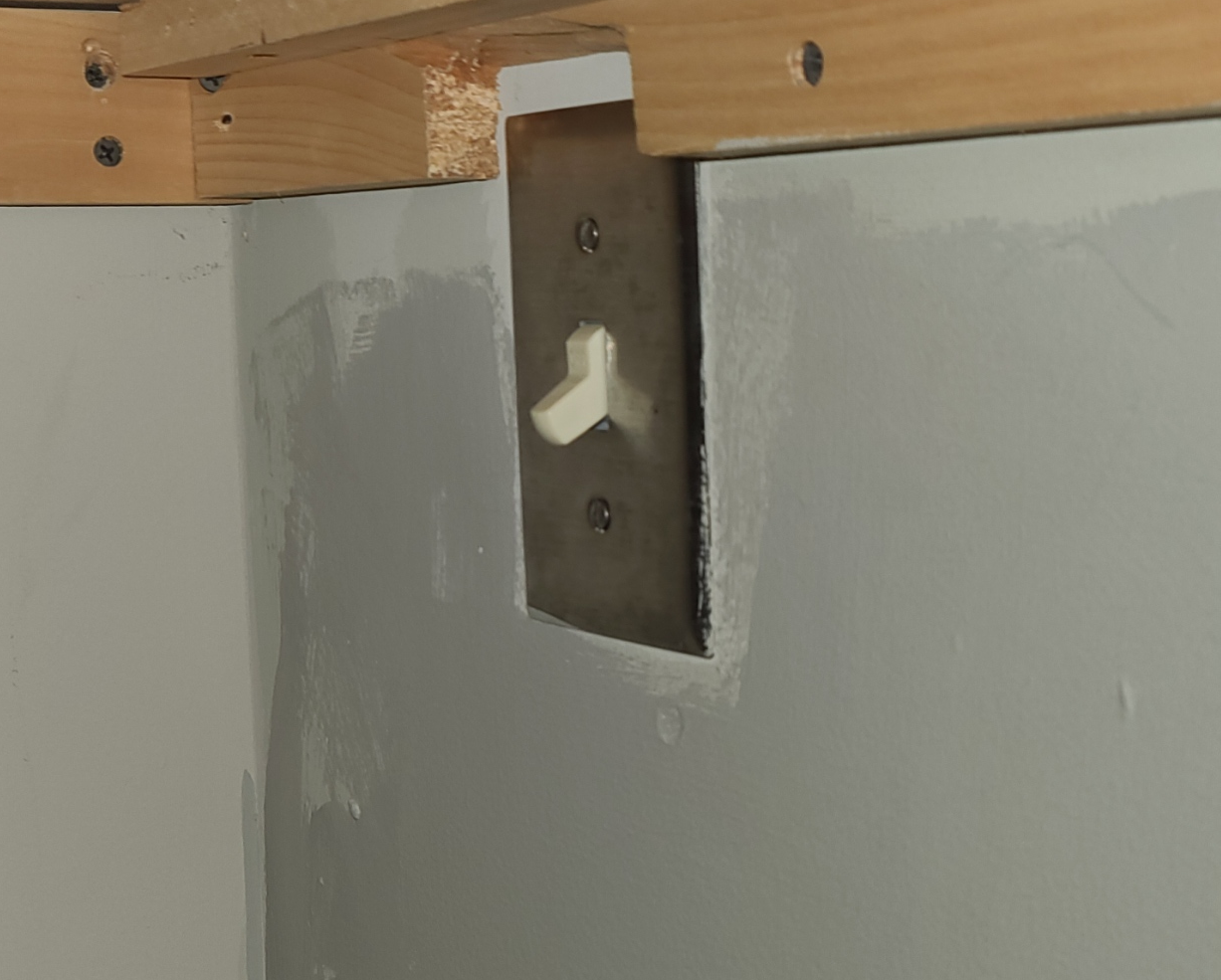
- Flip the light switch under the desk
- Select Power Down from the right screen
- If you don't see power down, unselect any open menu from the right list (in green)
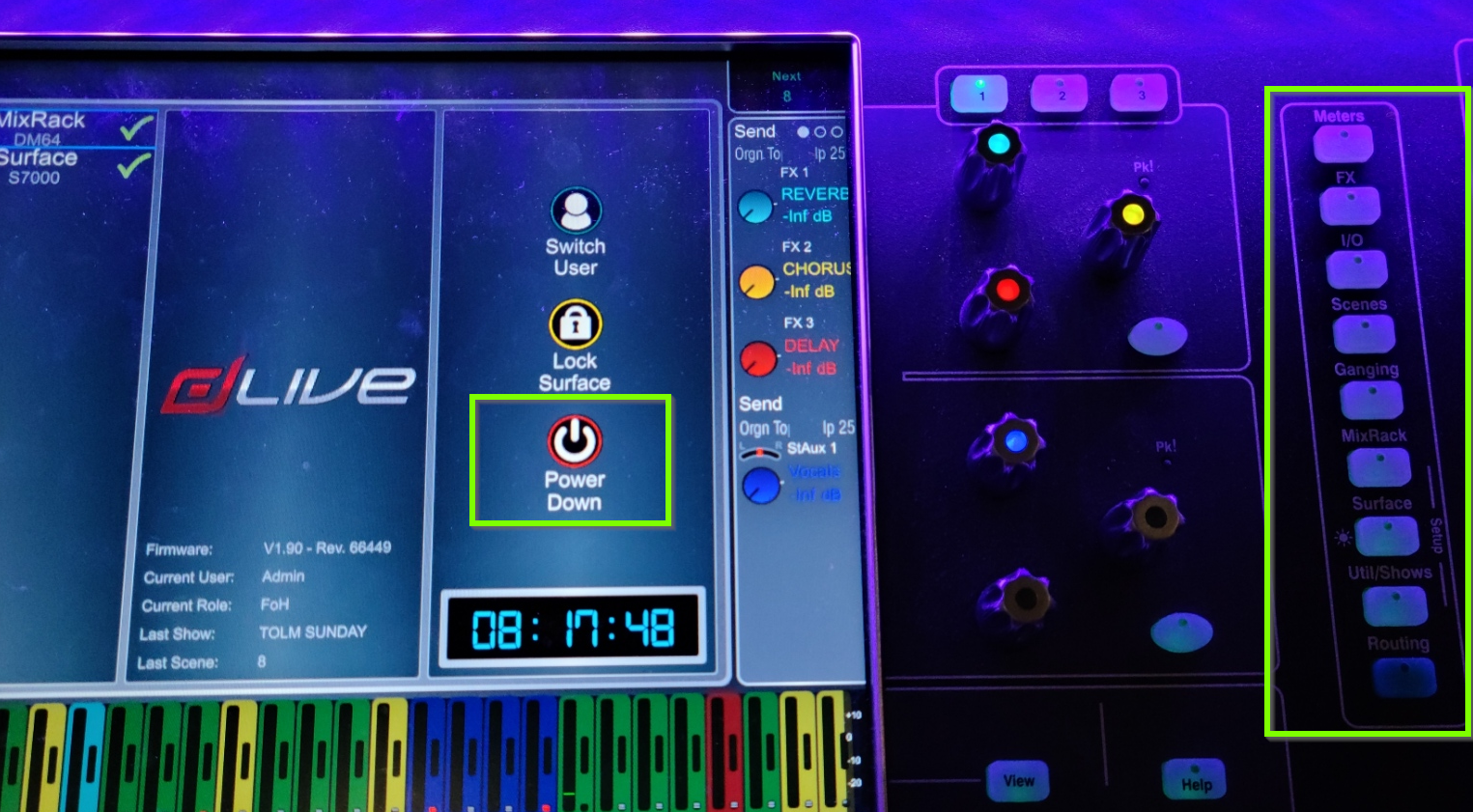
- If you don't see power down, unselect any open menu from the right list (in green)
- After the DLive gives the message, "Safe to Power off Dlive" on both screens, proceed with the following steps
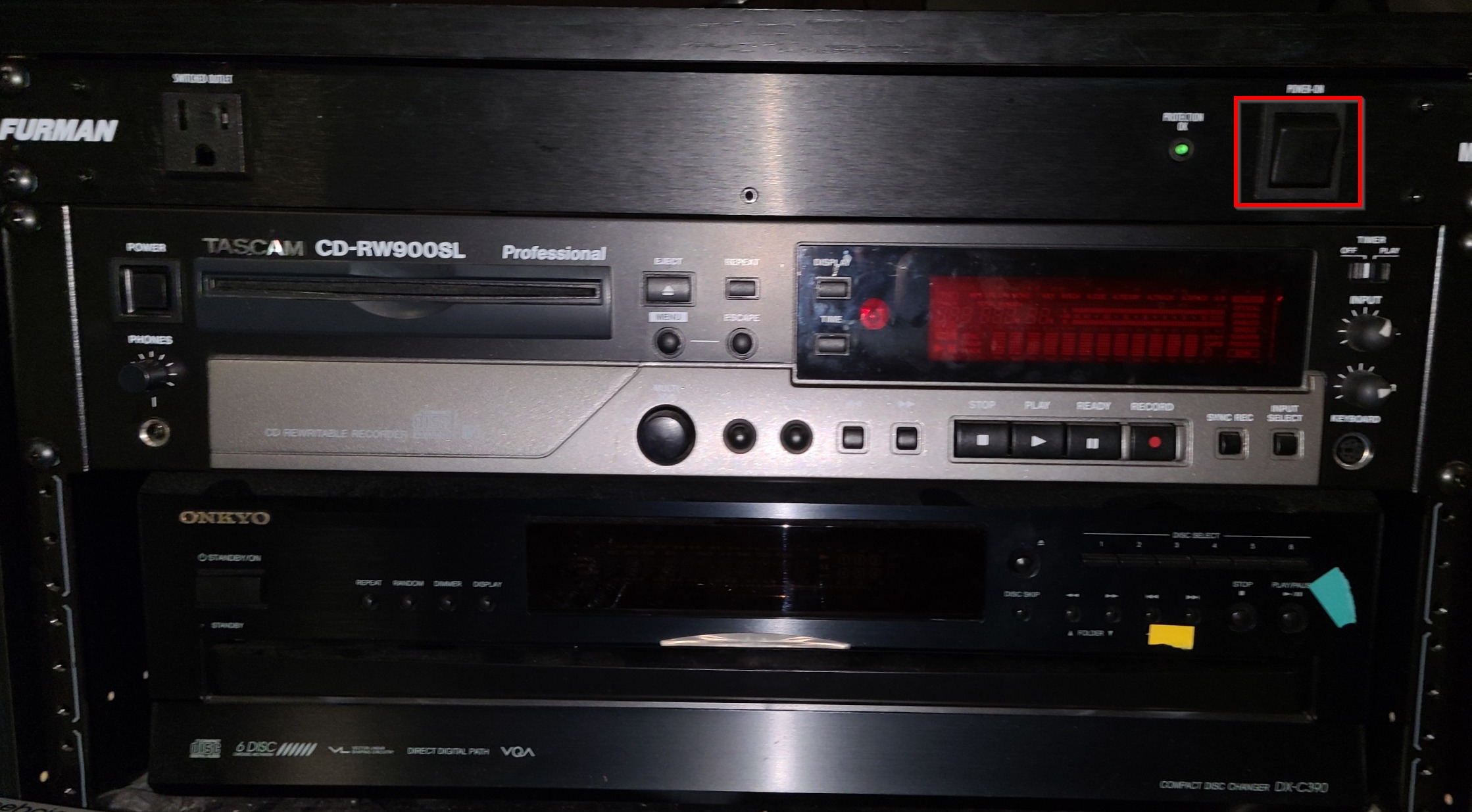
- Power off the surge protector on the desk.
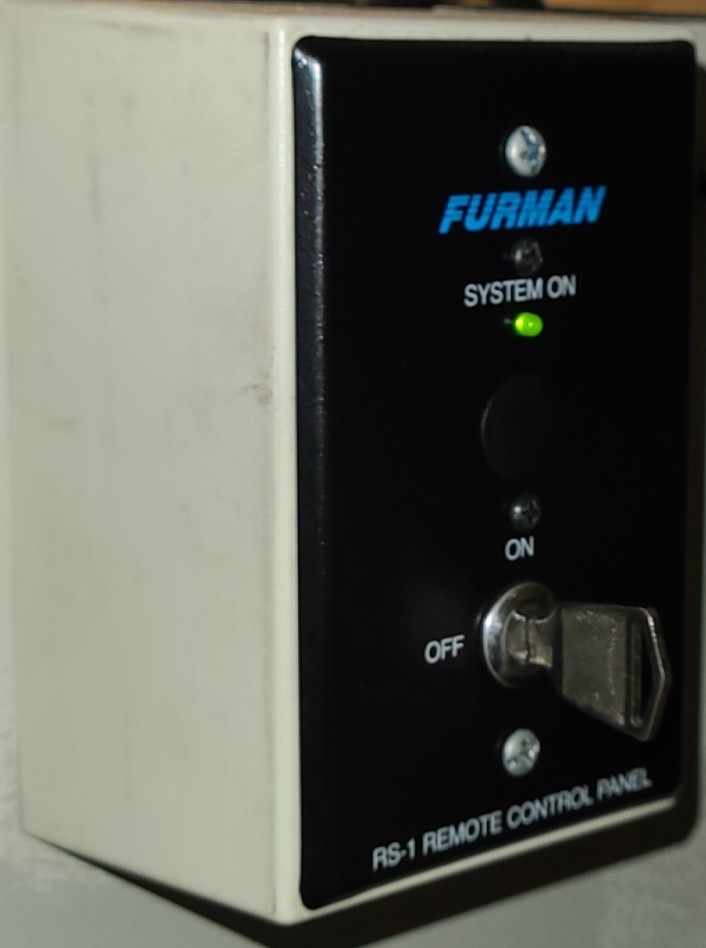
- Turn the key on the wall to an Off position
Was this article helpful?
That’s Great!
Thank you for your feedback
Sorry! We couldn't be helpful
Thank you for your feedback
Feedback sent
We appreciate your effort and will try to fix the article