When a drive isn't showing up on the DLive for ME for files transfers and updates, you need to format the drive using the board
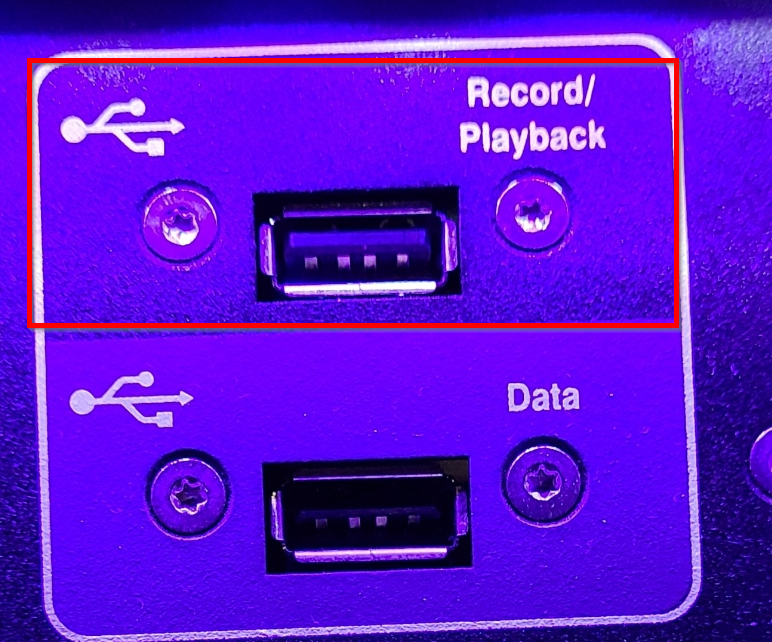
- Plug the drive into the Record/Playback USB slot on the Dlive (top right corner, top slot)
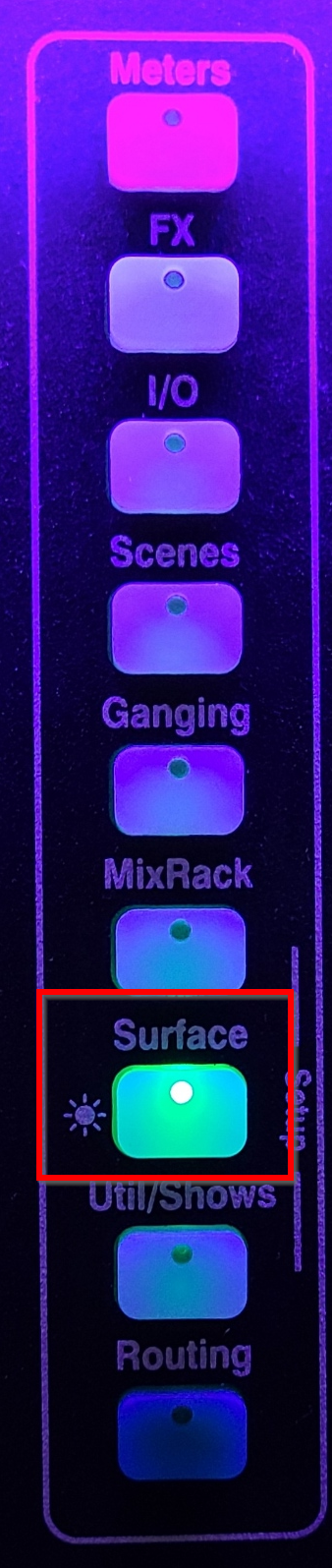
- On the surface, go to Surface
- Go to Audio > USB Audio

- In the bottom right corner, press Format
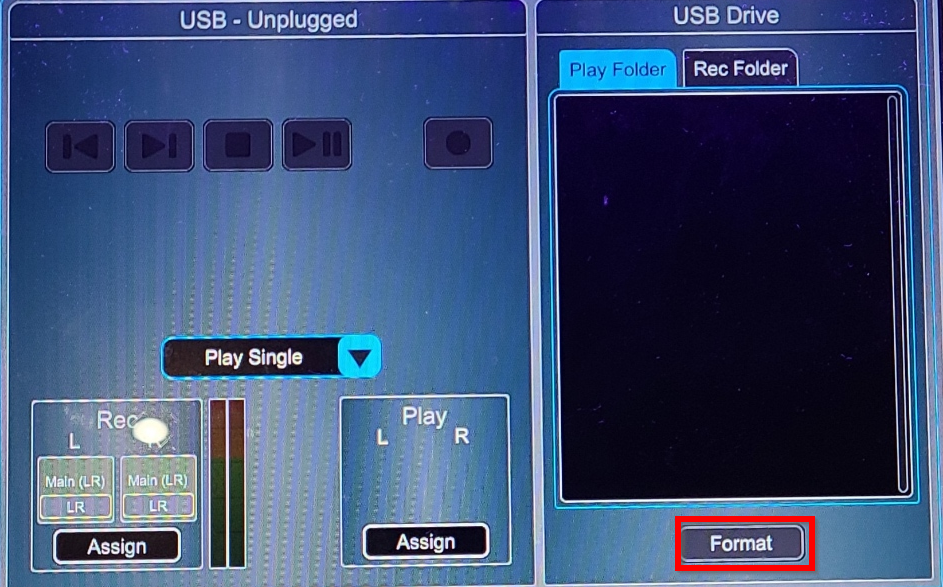
- This will delete all data on drive
- Complete the prompts and wait for drive to format
- Attempt to use drive again
Was this article helpful?
That’s Great!
Thank you for your feedback
Sorry! We couldn't be helpful
Thank you for your feedback
Feedback sent
We appreciate your effort and will try to fix the article