This will provide troubleshooting steps for DLive Director not allowing you to connect
- Make sure the Sounds Board and Key have been powered on
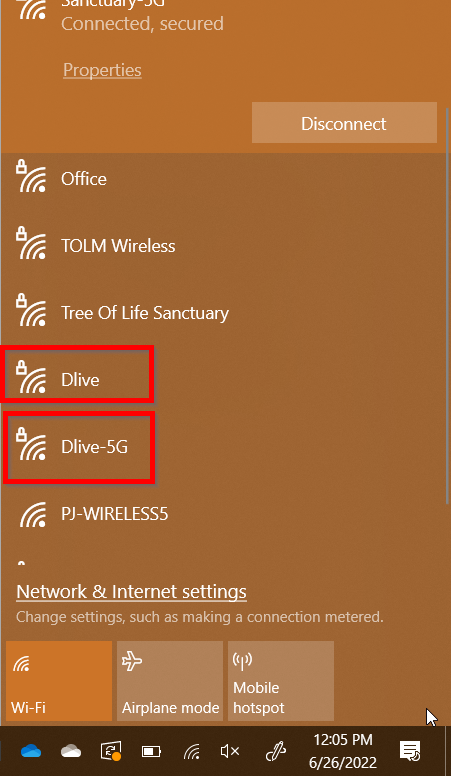
- Make sure your Computer is connected to either Dlive or Dlive-5G
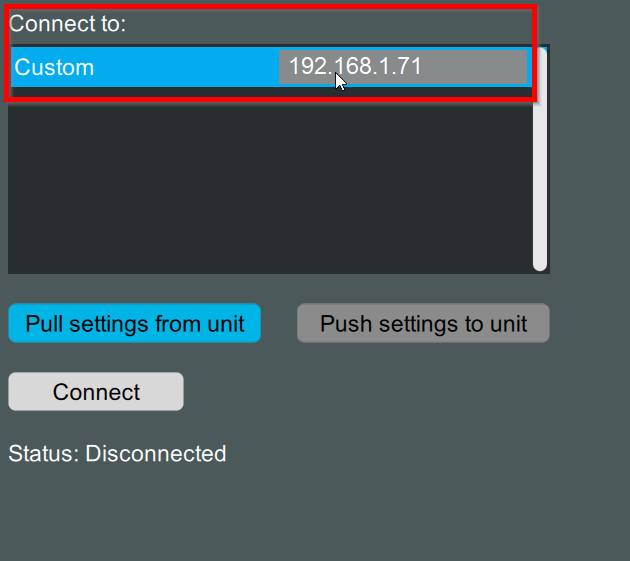
- Try inputting the IP Address of the Sound Board as shown below
- Make Sure you are using the same App Version as Firmware Version on the Board
Was this article helpful?
That’s Great!
Thank you for your feedback
Sorry! We couldn't be helpful
Thank you for your feedback
Feedback sent
We appreciate your effort and will try to fix the article