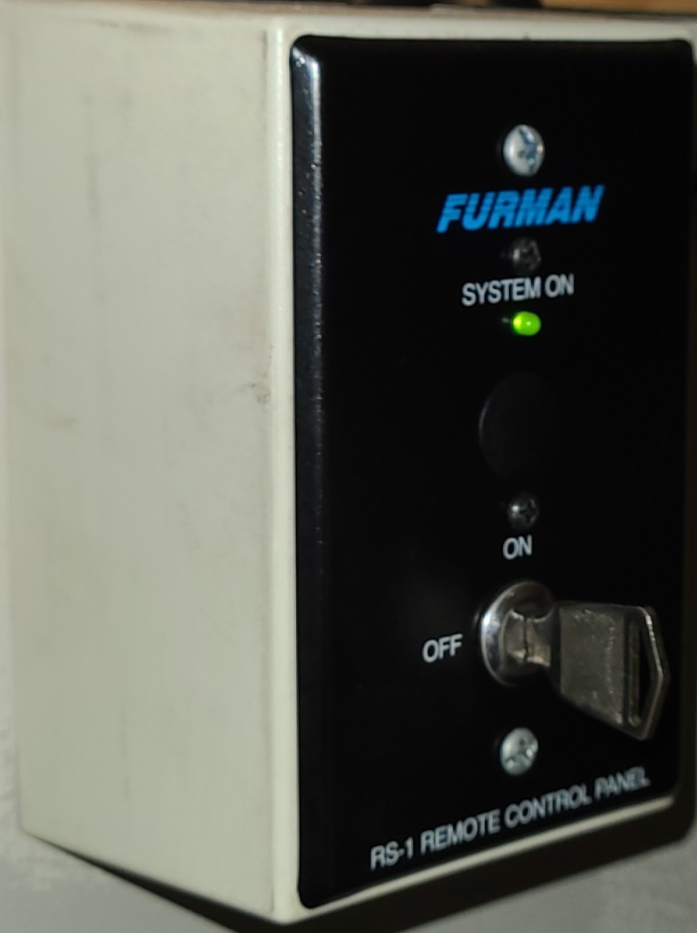
- Power on Key under the Sound Desk
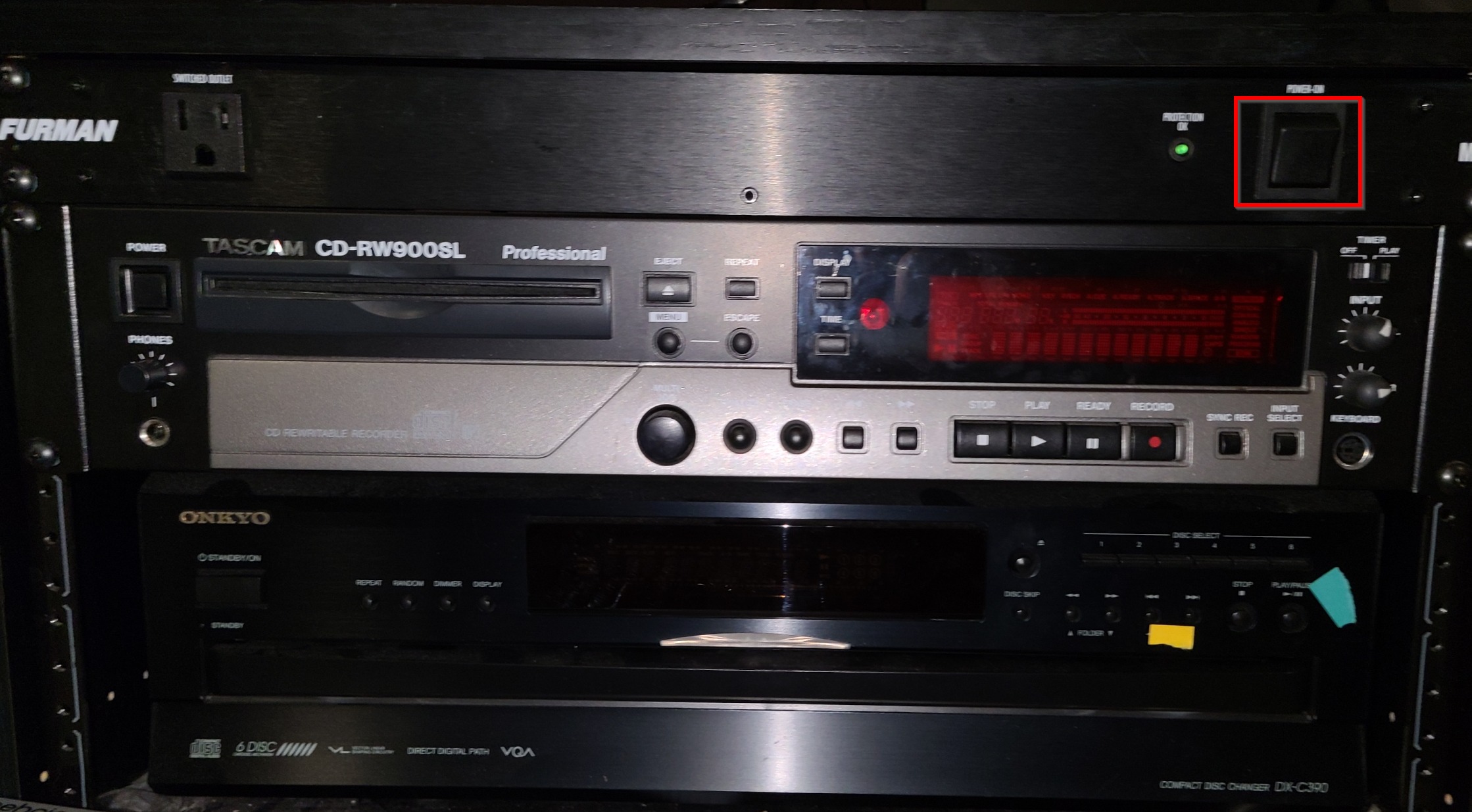
- Power on Surge Protector on Left Stack
- After the board turns on, Log into an account
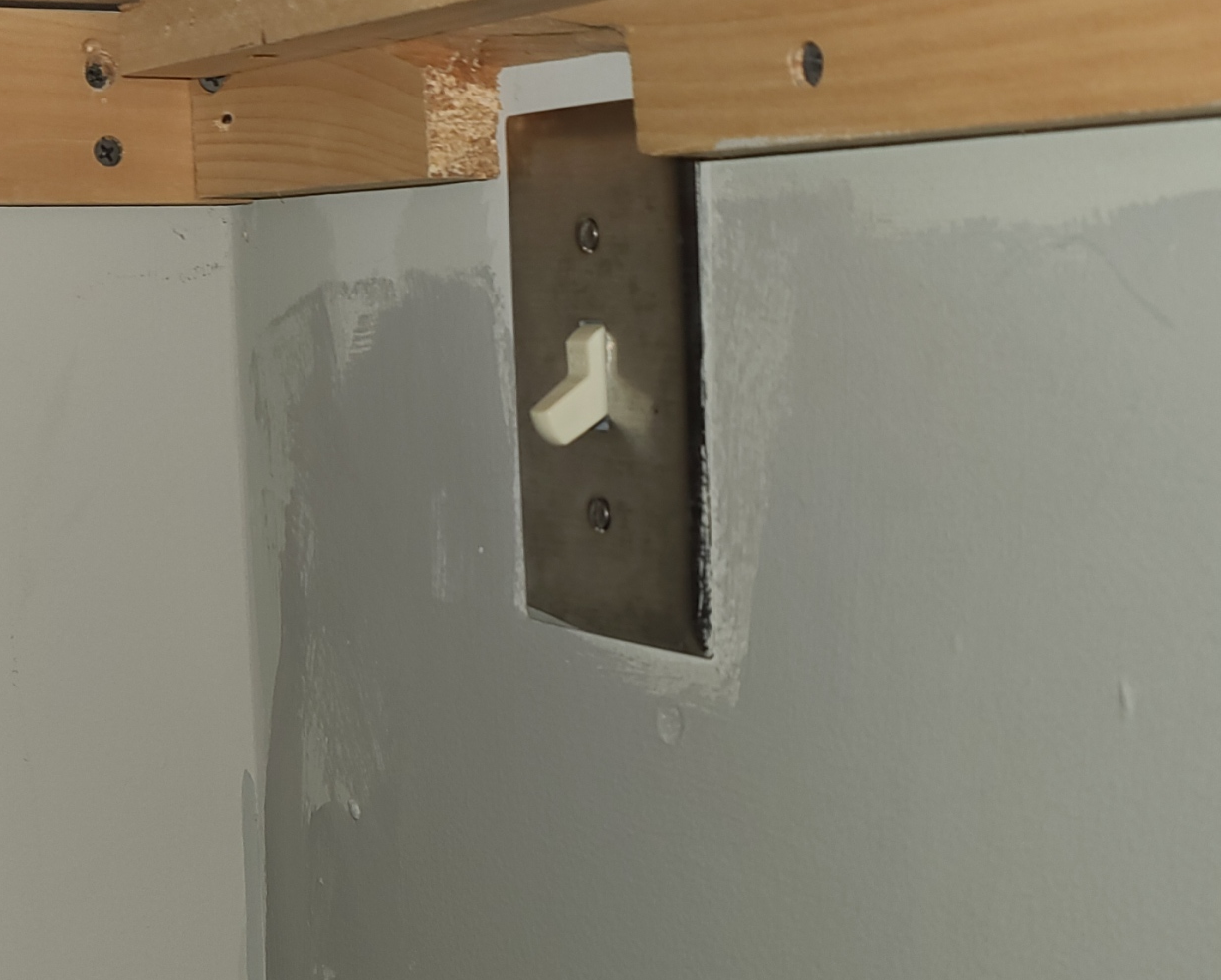
- Recall a scene and turn on speakers by flipping the light switch under the desk.
The Shutdown process varies from the powering on process. Please see the Shutting Down Dlive article.
Was this article helpful?
That’s Great!
Thank you for your feedback
Sorry! We couldn't be helpful
Thank you for your feedback
Feedback sent
We appreciate your effort and will try to fix the article