- Make sure the Dante Network Ethernet line is in the back of the Mac
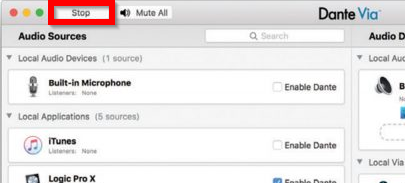
- Open Dante Via on the desktop. Make sure the service is running. The highlighted button below reads Stop when the service is running.
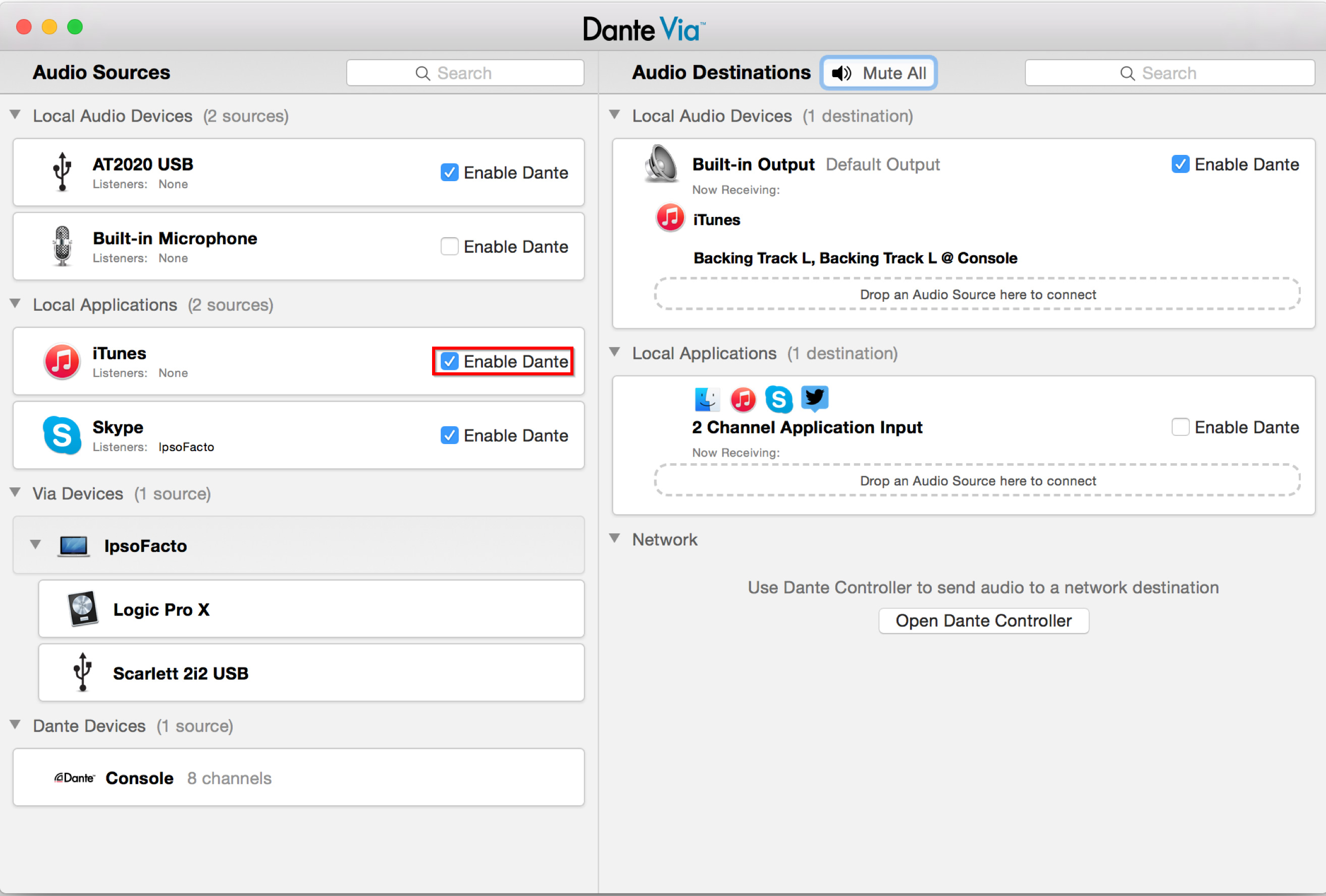
- Make sure the Enable Dante check box is selected next to the app you want
Was this article helpful?
That’s Great!
Thank you for your feedback
Sorry! We couldn't be helpful
Thank you for your feedback
Feedback sent
We appreciate your effort and will try to fix the article