- Open ProPresenter
- Open Dante Via from the Desktop

- Make sure Via says Stopin the top left
- This means that the service is running
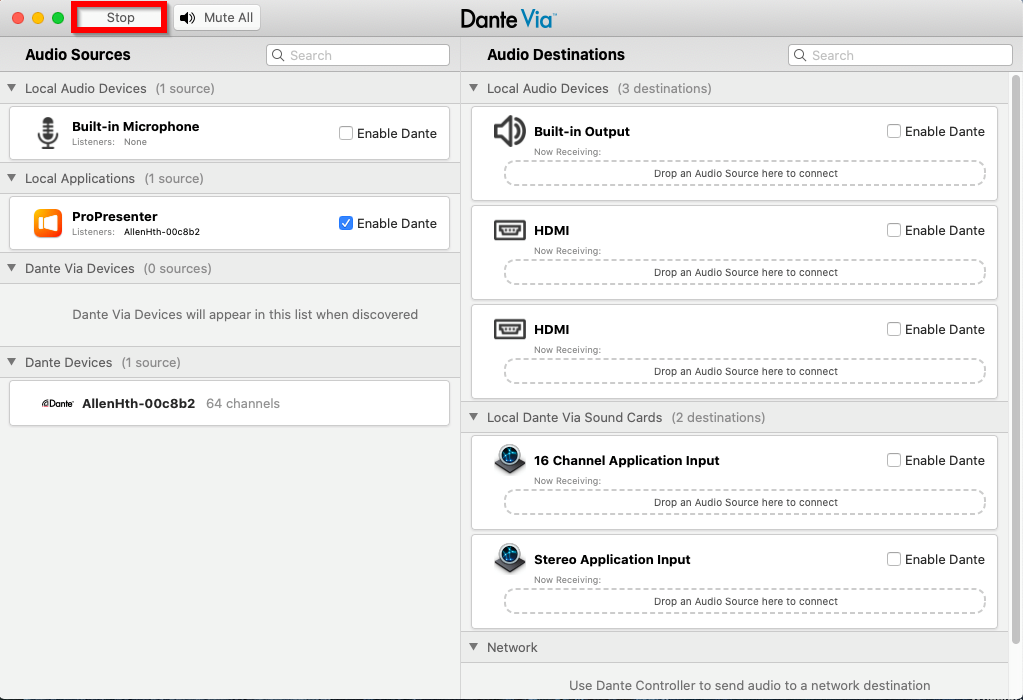
- This means that the service is running
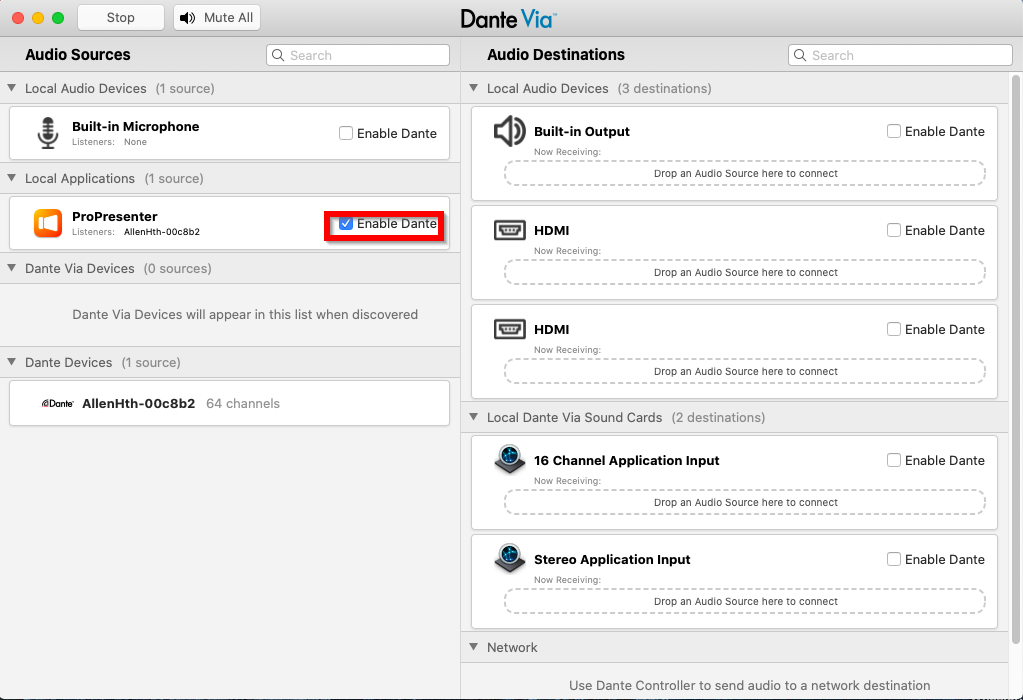
- Make sure there is a checkbox next to Enable Dante in the ProPresenter Category
Was this article helpful?
That’s Great!
Thank you for your feedback
Sorry! We couldn't be helpful
Thank you for your feedback
Feedback sent
We appreciate your effort and will try to fix the article