- Login at https://treeoflife.nvhosted.net/
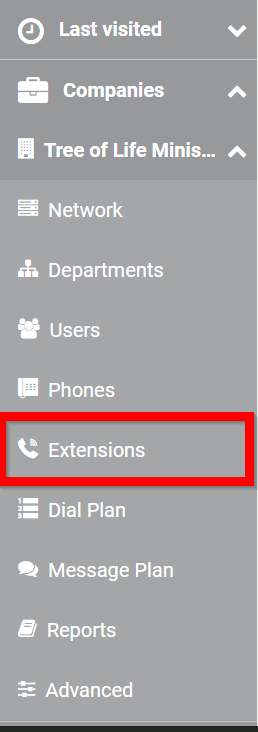
- Click Extensions
- Find the extension of the device you want to change, click the name associated with the phone.

- Click the pencil

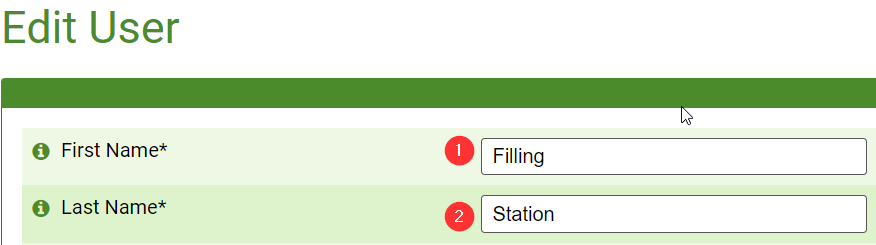
- Make the name changes
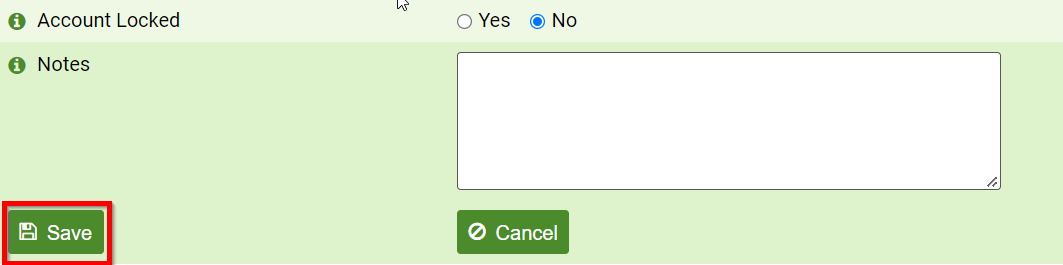
- Scroll to the bottom of the page and press Save
- Reboot the phone for the change to take place
Was this article helpful?
That’s Great!
Thank you for your feedback
Sorry! We couldn't be helpful
Thank you for your feedback
Feedback sent
We appreciate your effort and will try to fix the article