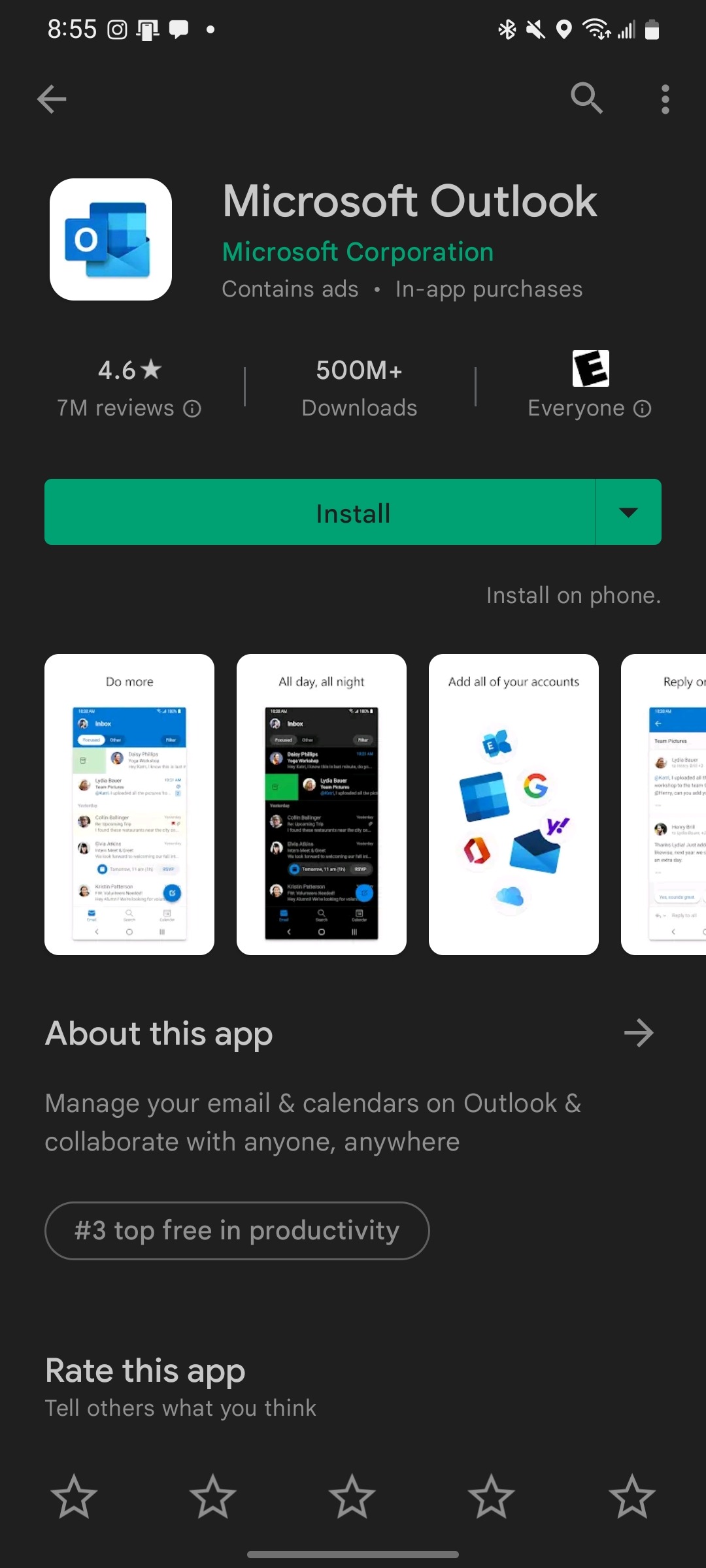
- Download the Outlook app from your phone's app store
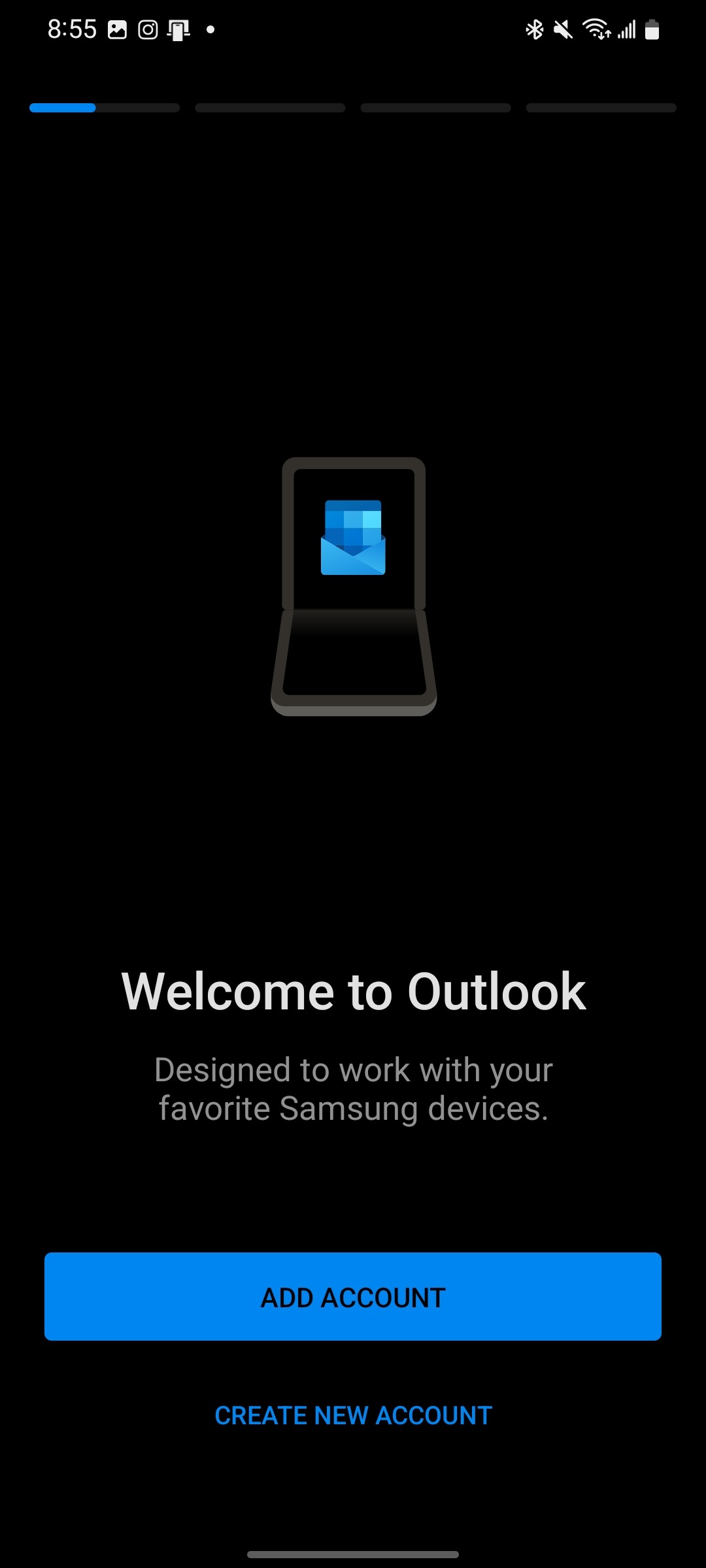
- Open the Outlook app from your phone.
- Select Add Account
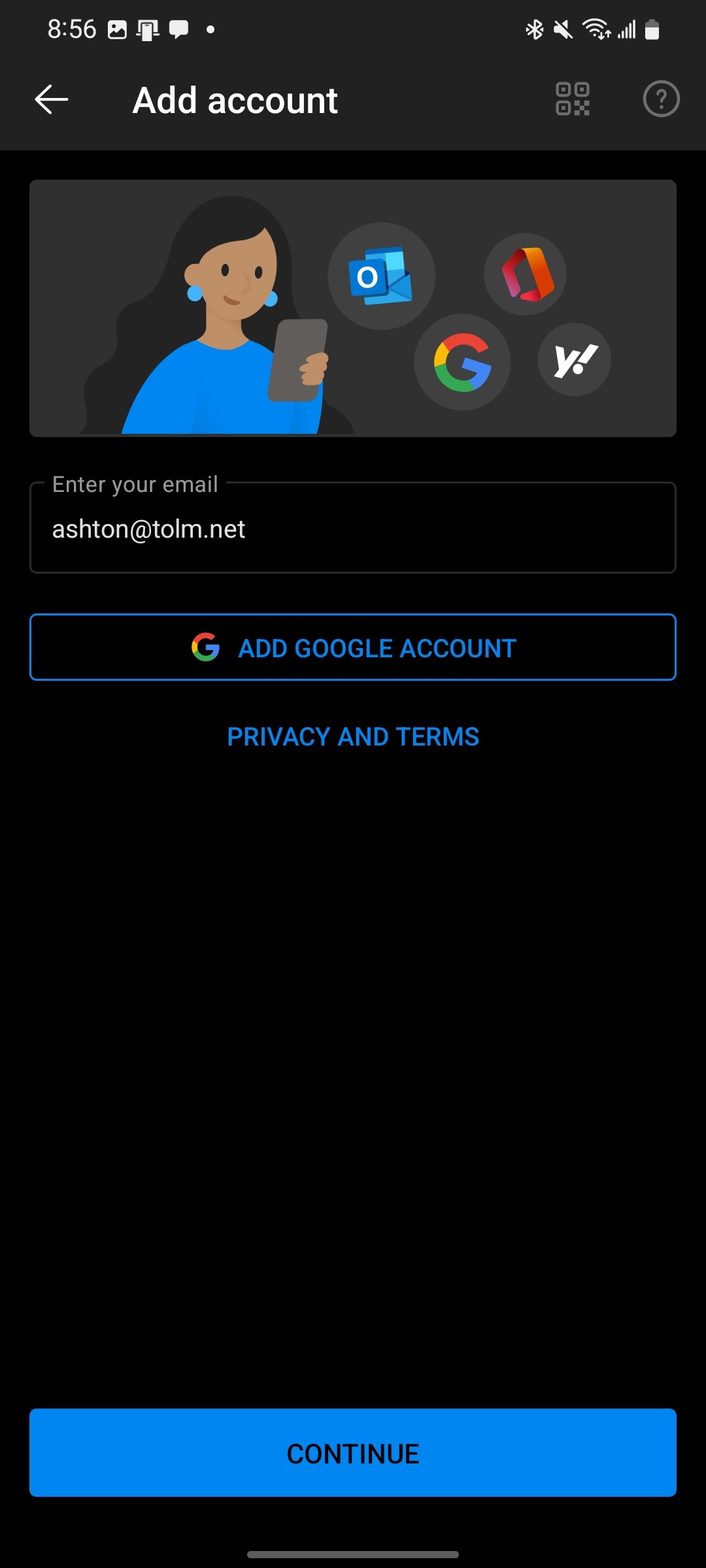
- Enter your TOLM Email and press Continue
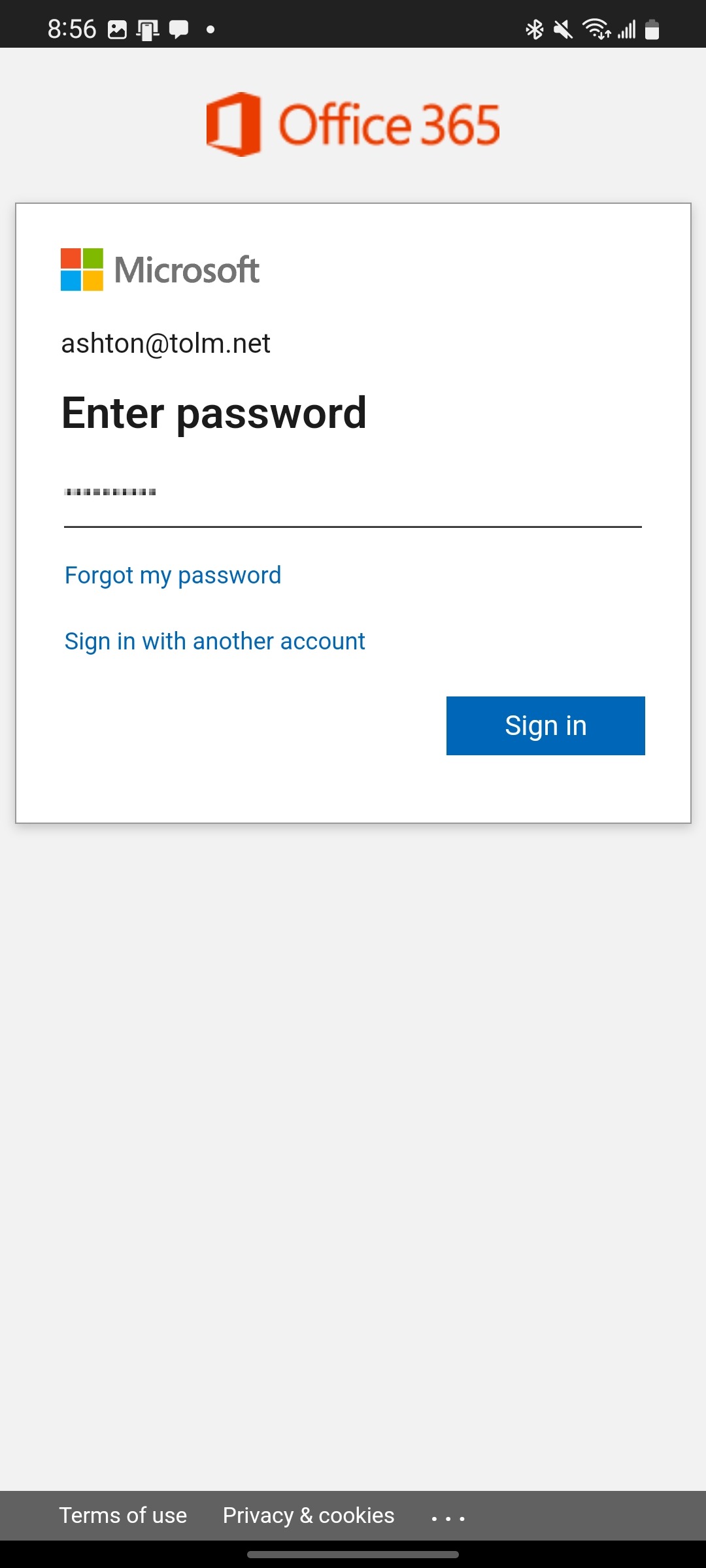
- Enter your Password and press Sign in
Was this article helpful?
That’s Great!
Thank you for your feedback
Sorry! We couldn't be helpful
Thank you for your feedback
Feedback sent
We appreciate your effort and will try to fix the article