- On the back of the PTZ Head, check if the Internet Cable has blinking lights above it.
- If there is not a blinking green light, and a solid yellow light, turn off the head, and turn it back on.
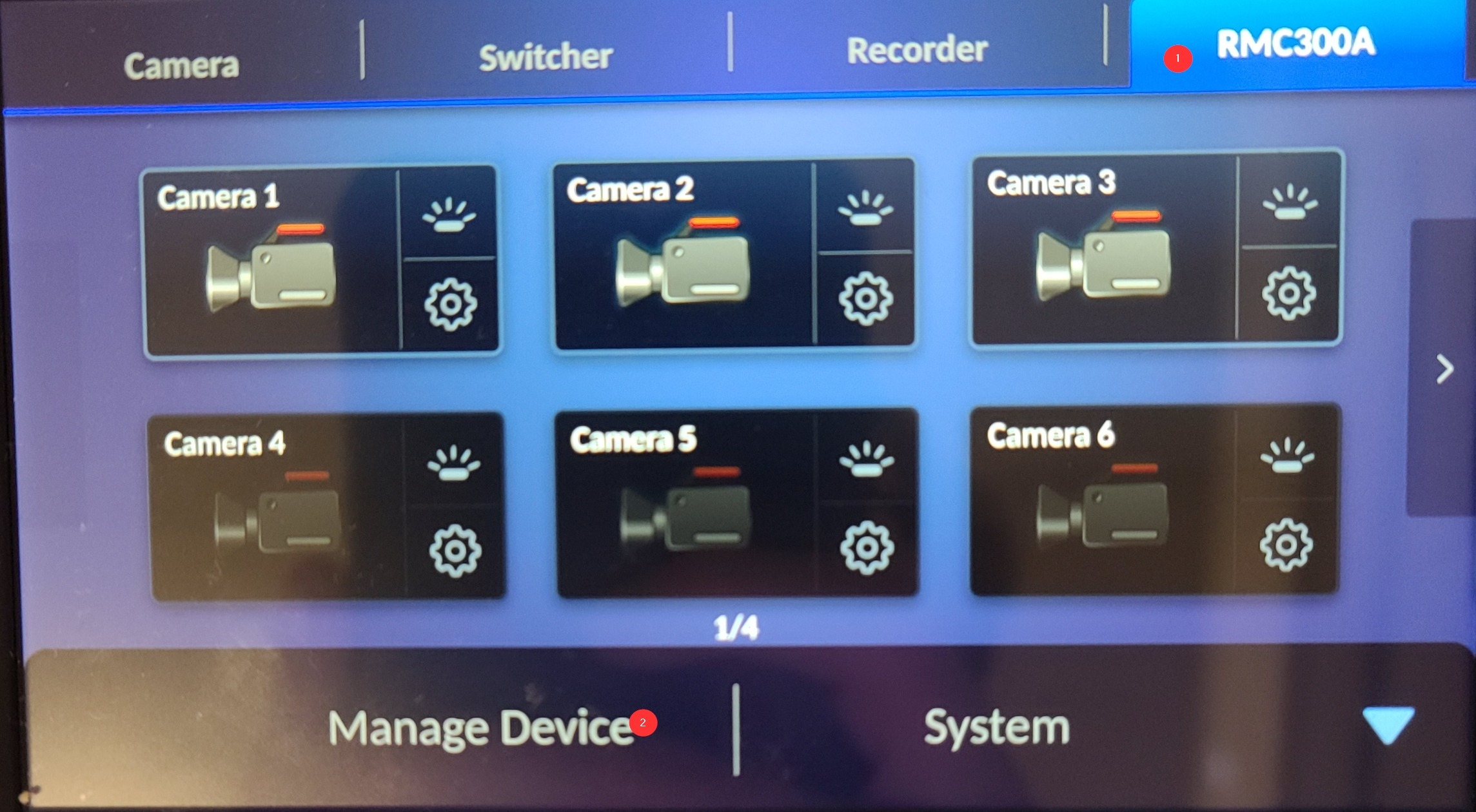
- On the controller touch screen, select RMC300A > Manage Devices
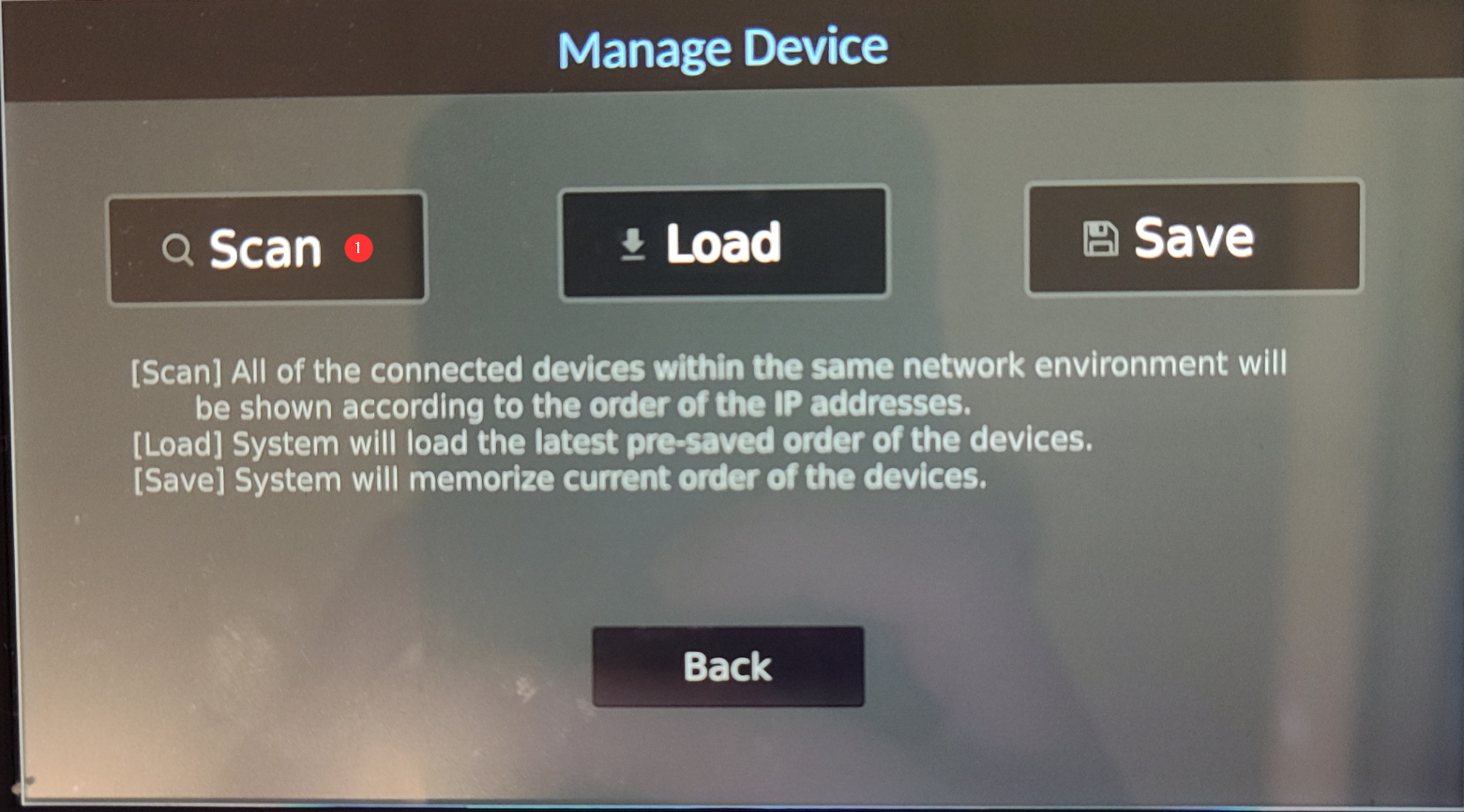
- Press Scan
Was this article helpful?
That’s Great!
Thank you for your feedback
Sorry! We couldn't be helpful
Thank you for your feedback
Feedback sent
We appreciate your effort and will try to fix the article