- Power on all 4 cameras
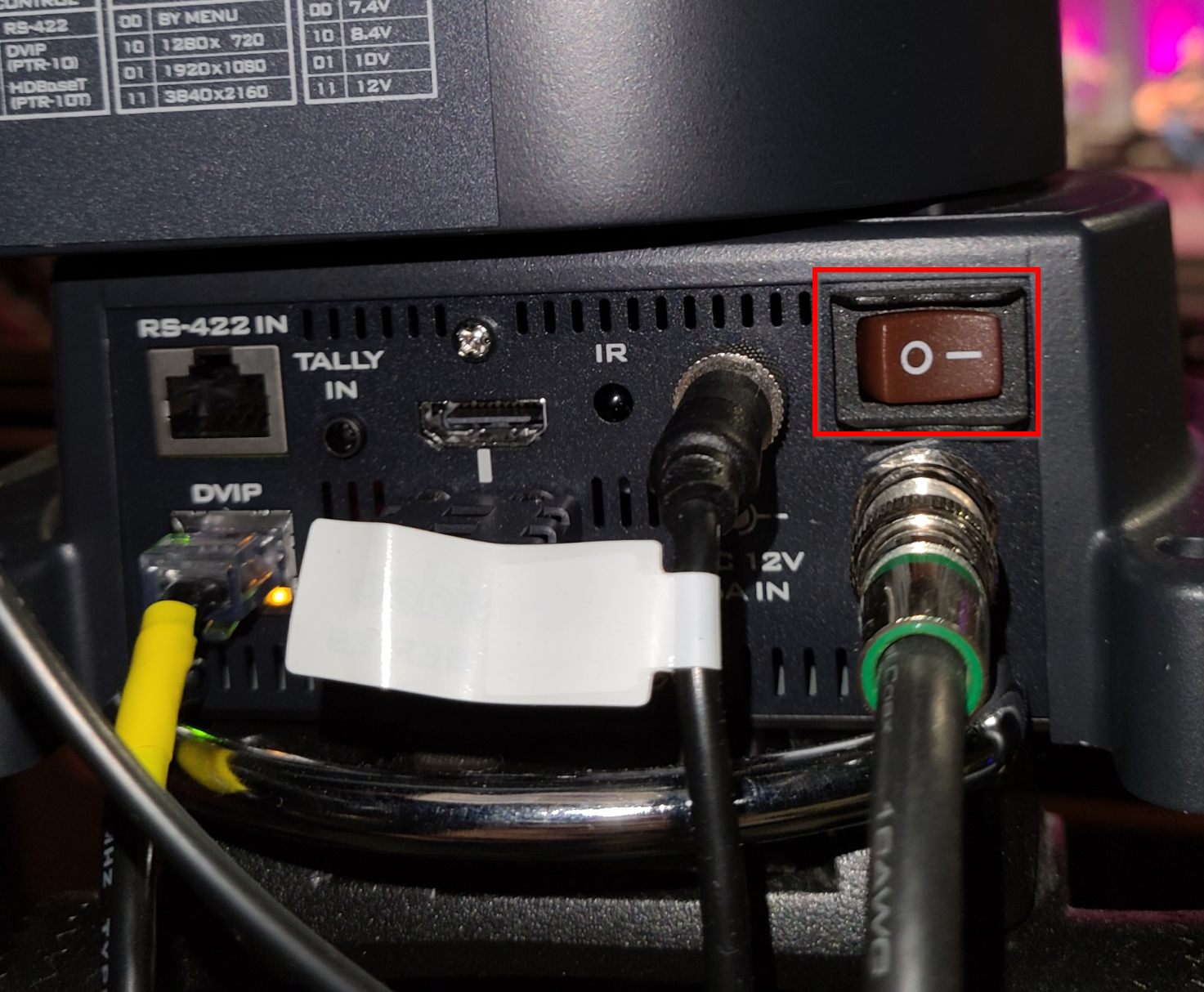
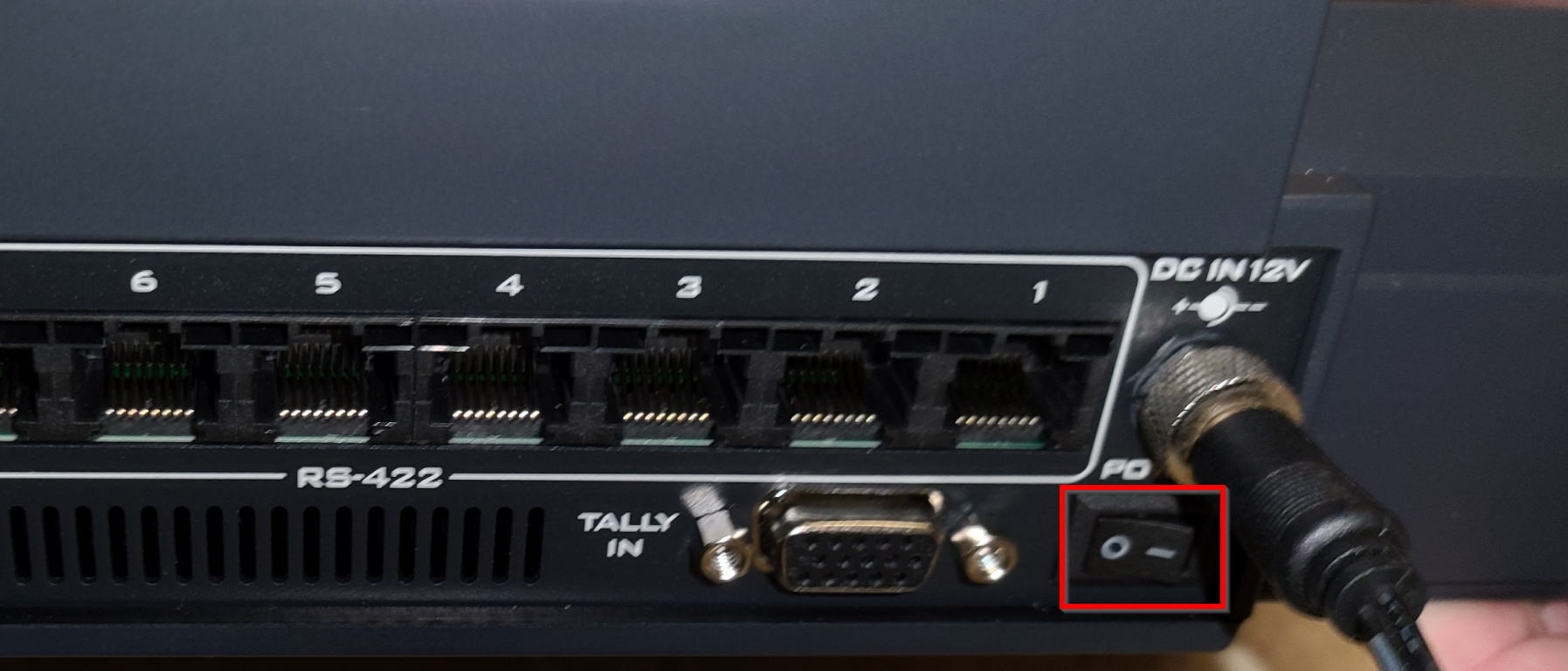
- Power on the Datavideo Controller
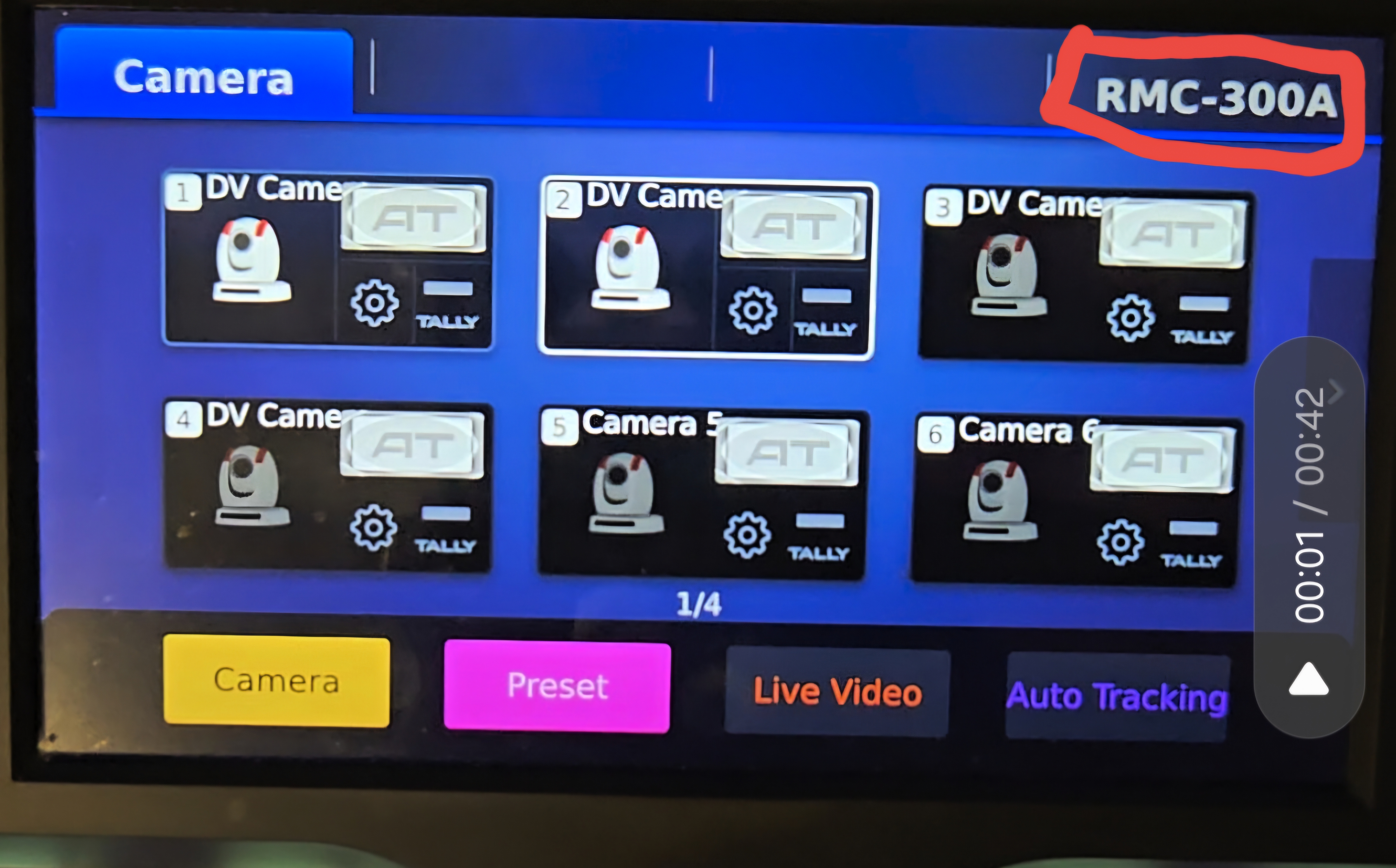
- On the touch screen, select RMC300A
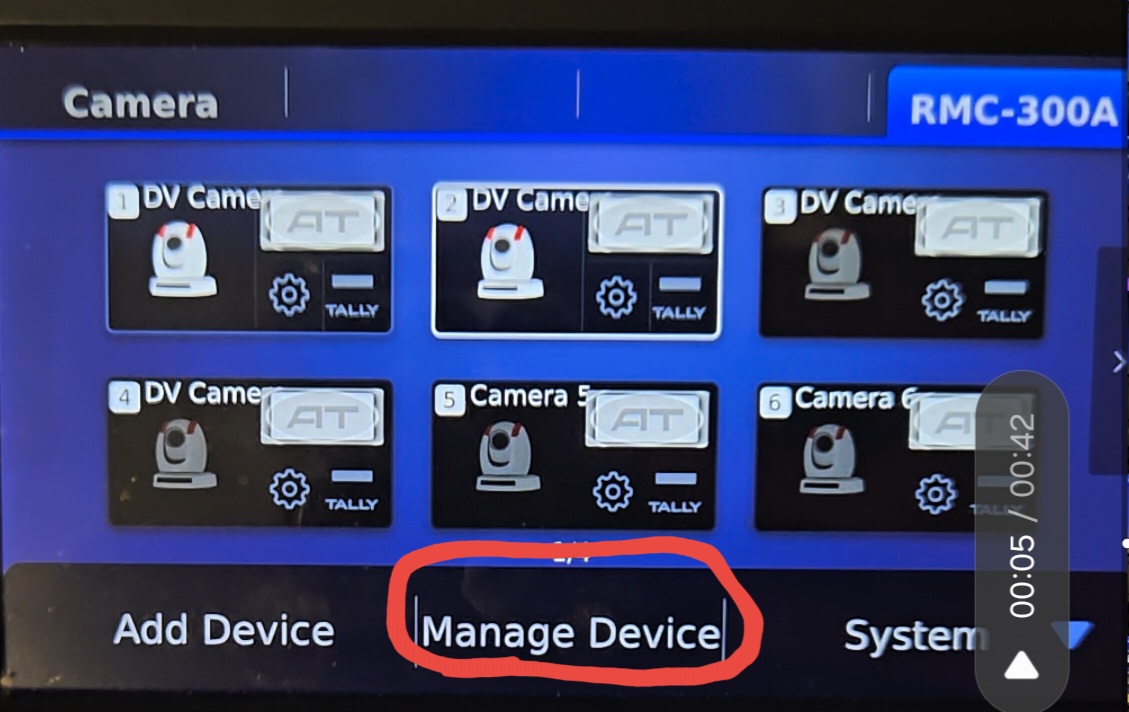
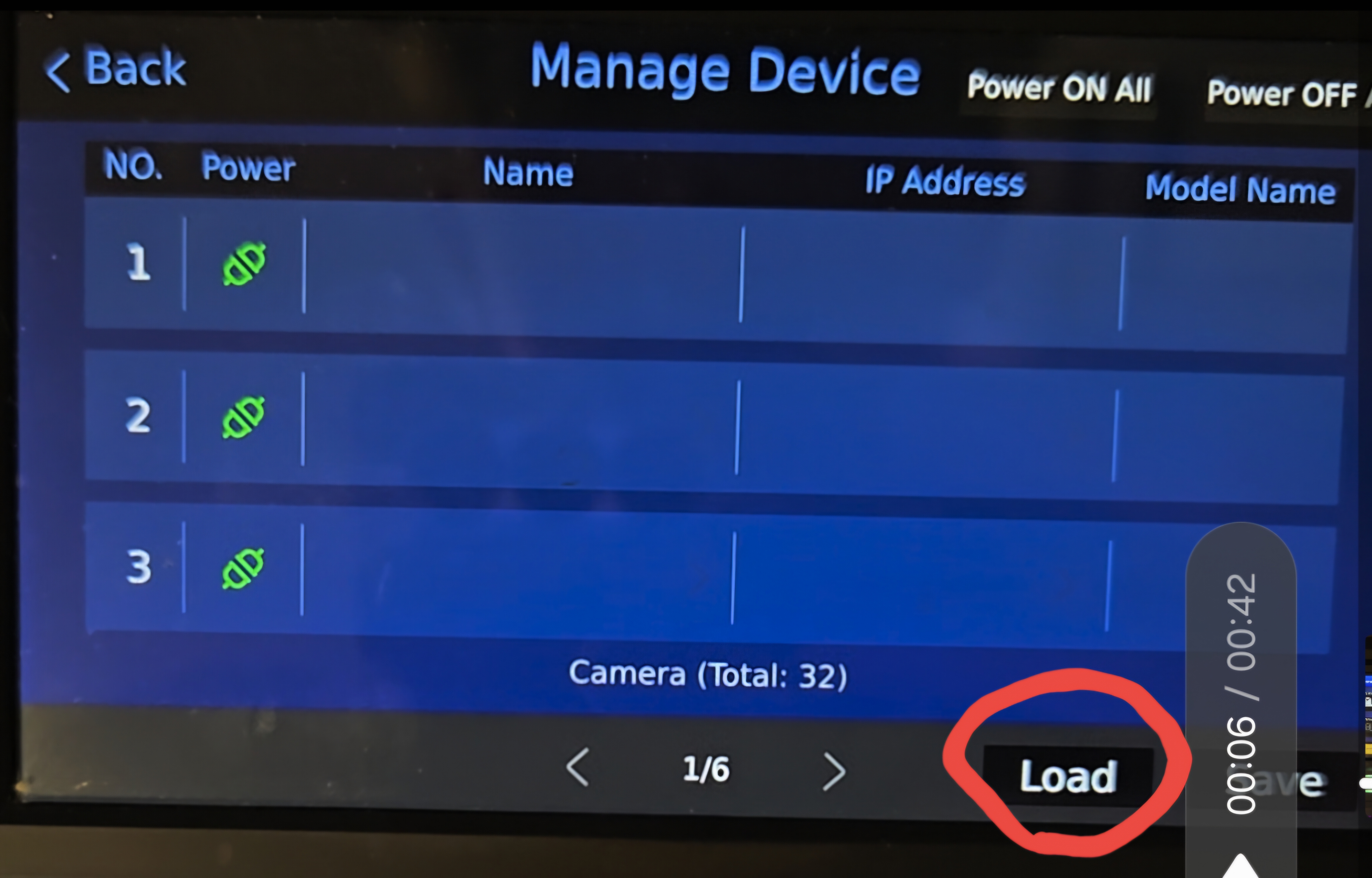
- Click Manage Devices
- Click Load. Becareful not to hit save
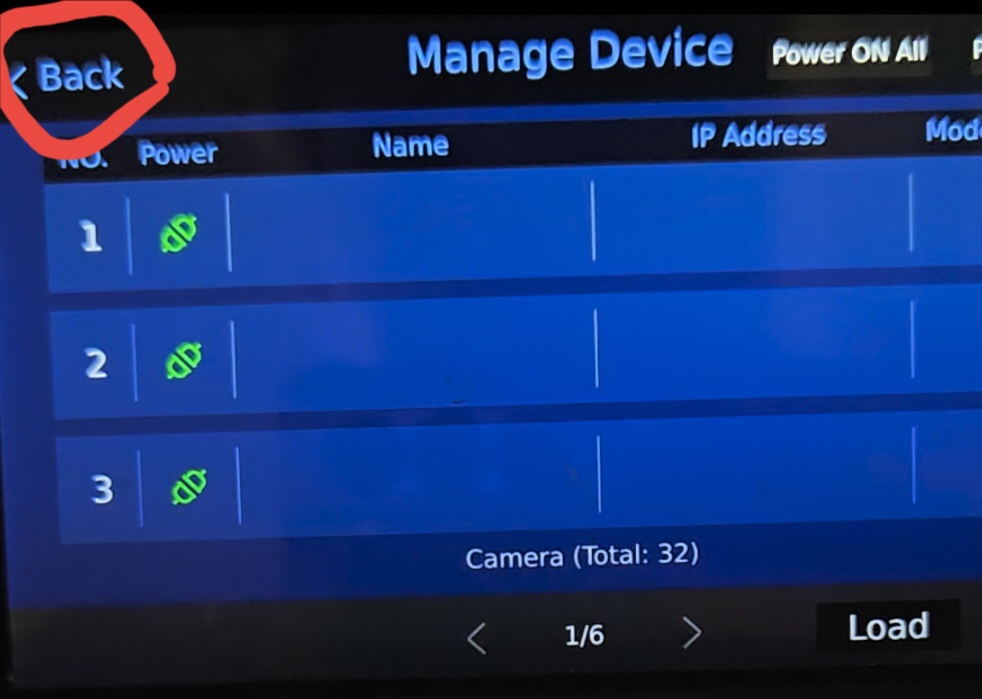
- Press Back
- Switch back to camera mode
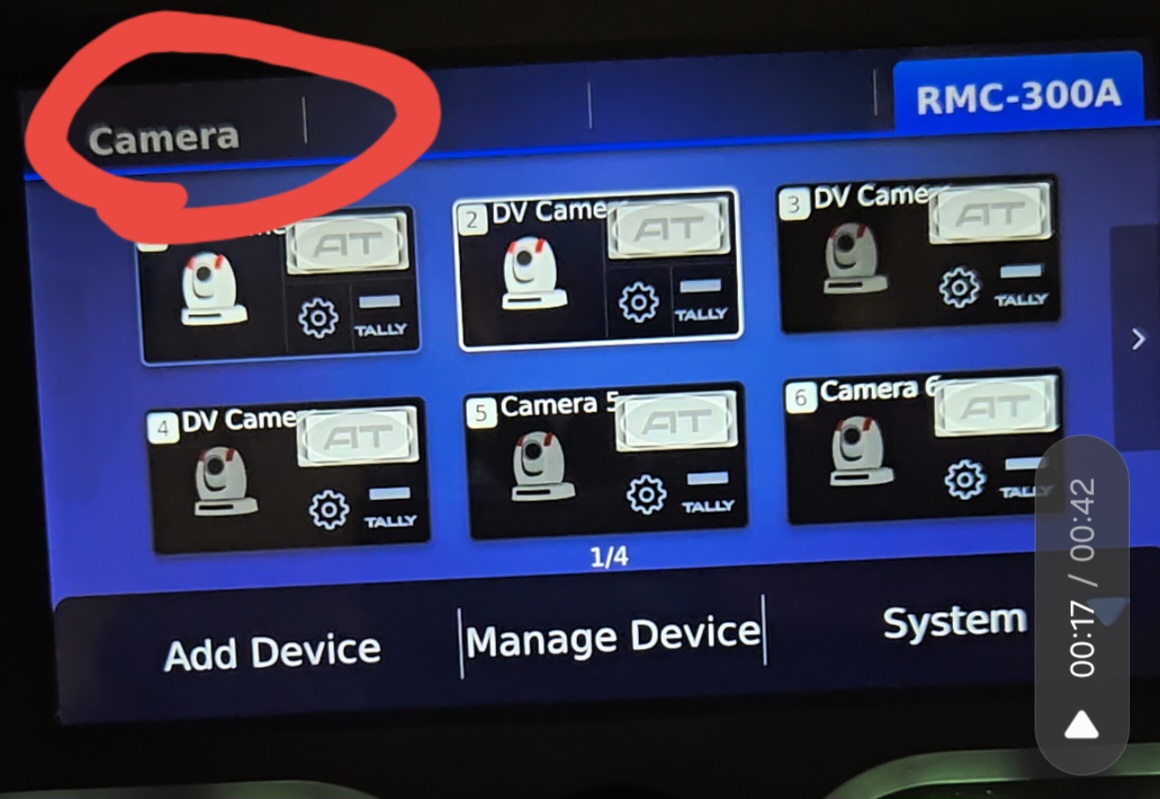
- Wait 2-3 minutes for the cameras to load. If you move them before they are ready, you will see an error message. Just press okay.
Was this article helpful?
That’s Great!
Thank you for your feedback
Sorry! We couldn't be helpful
Thank you for your feedback
Feedback sent
We appreciate your effort and will try to fix the article