- Log into portal Voice Portal
- Go to Dial Plan > Redirect Schedules > School Holiday or School Delayed Opening
- Change the Date to the Holiday Dates. I
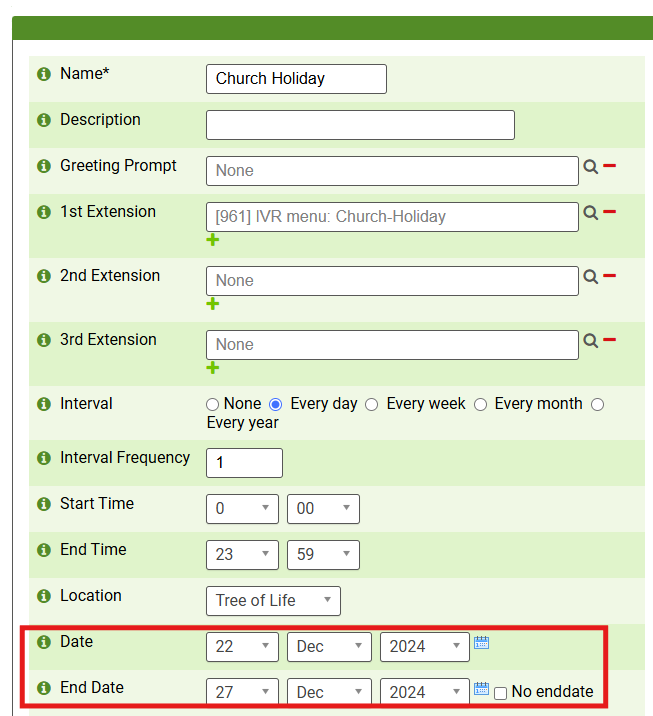
- Scroll Down and Click Save
The Voice message can be altered if the generic isn't desired. Upload your audio to the sound prompts tab, then select it in the menu shown above as the Greeting Prompt
Was this article helpful?
That’s Great!
Thank you for your feedback
Sorry! We couldn't be helpful
Thank you for your feedback
Feedback sent
We appreciate your effort and will try to fix the article