- Go to https://www.backstreet-surveillance.com/
- Go to Support > Manuals and Guides
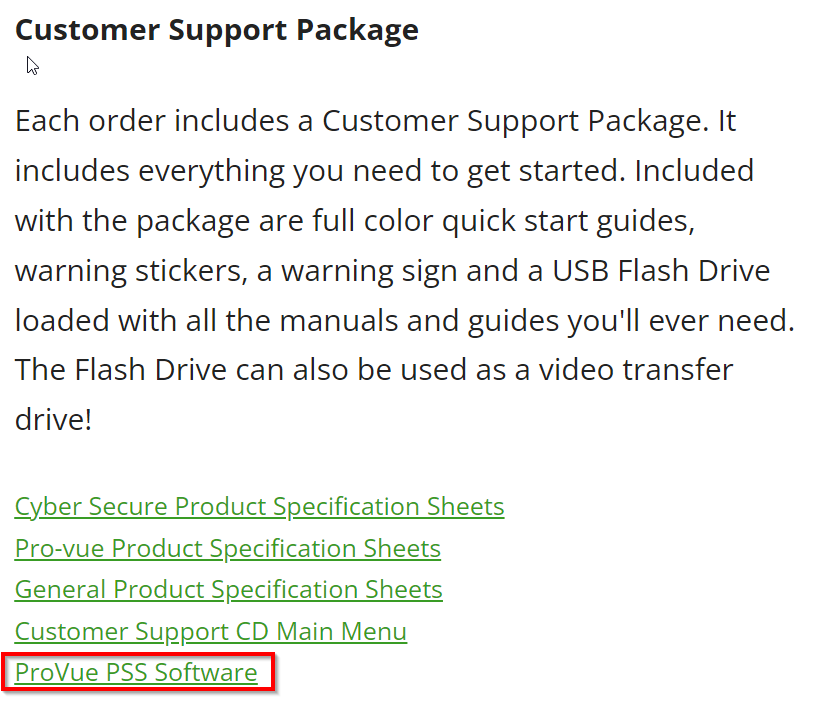
- Click ProVue PSS Software
- Install the program
- Run the program after the install finishes
- Set the IP Address and Port Number as shown. Use the same login that you use to log into the NVR.
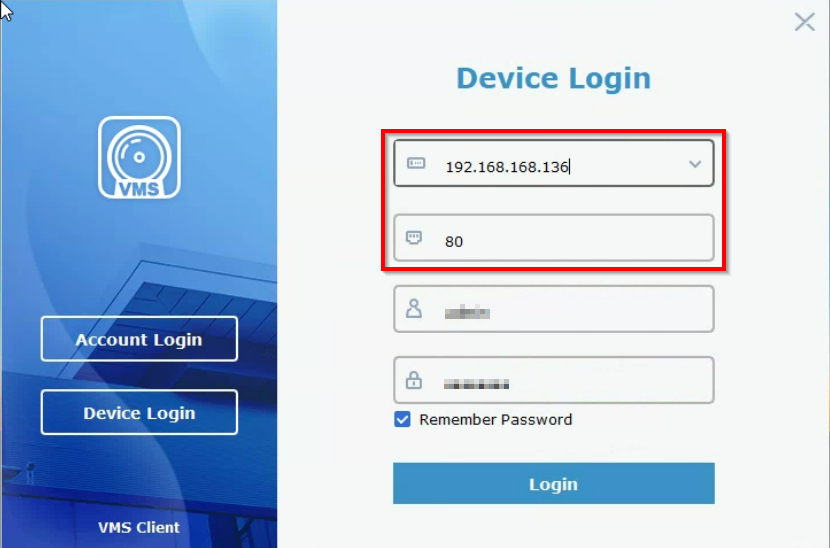
- Press Login
Was this article helpful?
That’s Great!
Thank you for your feedback
Sorry! We couldn't be helpful
Thank you for your feedback
Feedback sent
We appreciate your effort and will try to fix the article