- Go to https://www.dymo.com/support?cfid=user-guide
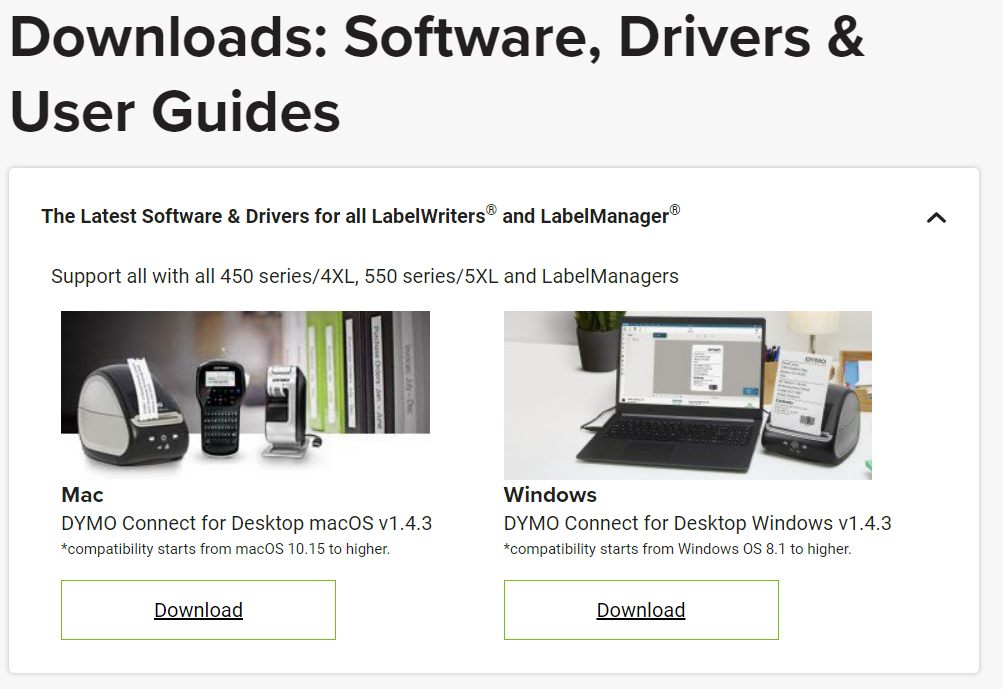
- Go to Drivers and Software for all Labelwriters
- Download the program for your operating system
- Plug in the printer to both power and your PC
- Insert Labels
- Run the program to install the printer
- Set the printer as your default printer.
Was this article helpful?
That’s Great!
Thank you for your feedback
Sorry! We couldn't be helpful
Thank you for your feedback
Feedback sent
We appreciate your effort and will try to fix the article