- Log in at Outlook.com
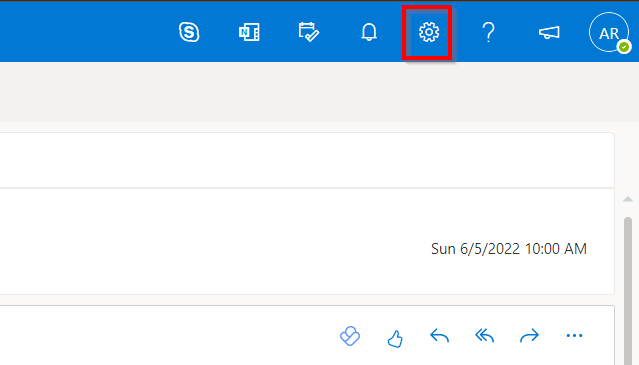
- Click the gear in the top right
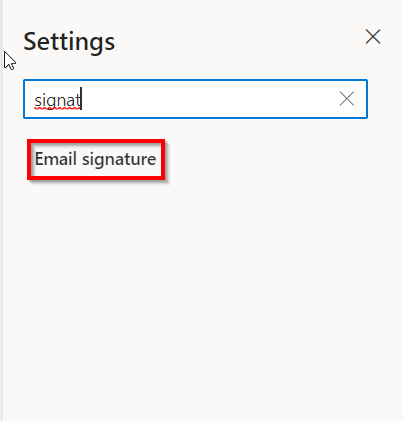
- Search for "Signature" and click Email Signature
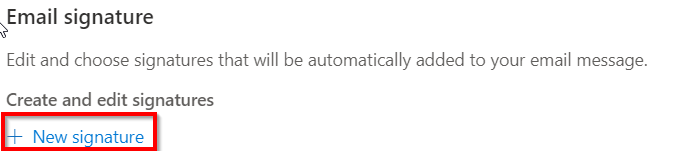
- Click New signature
- Create your signature, Press Save
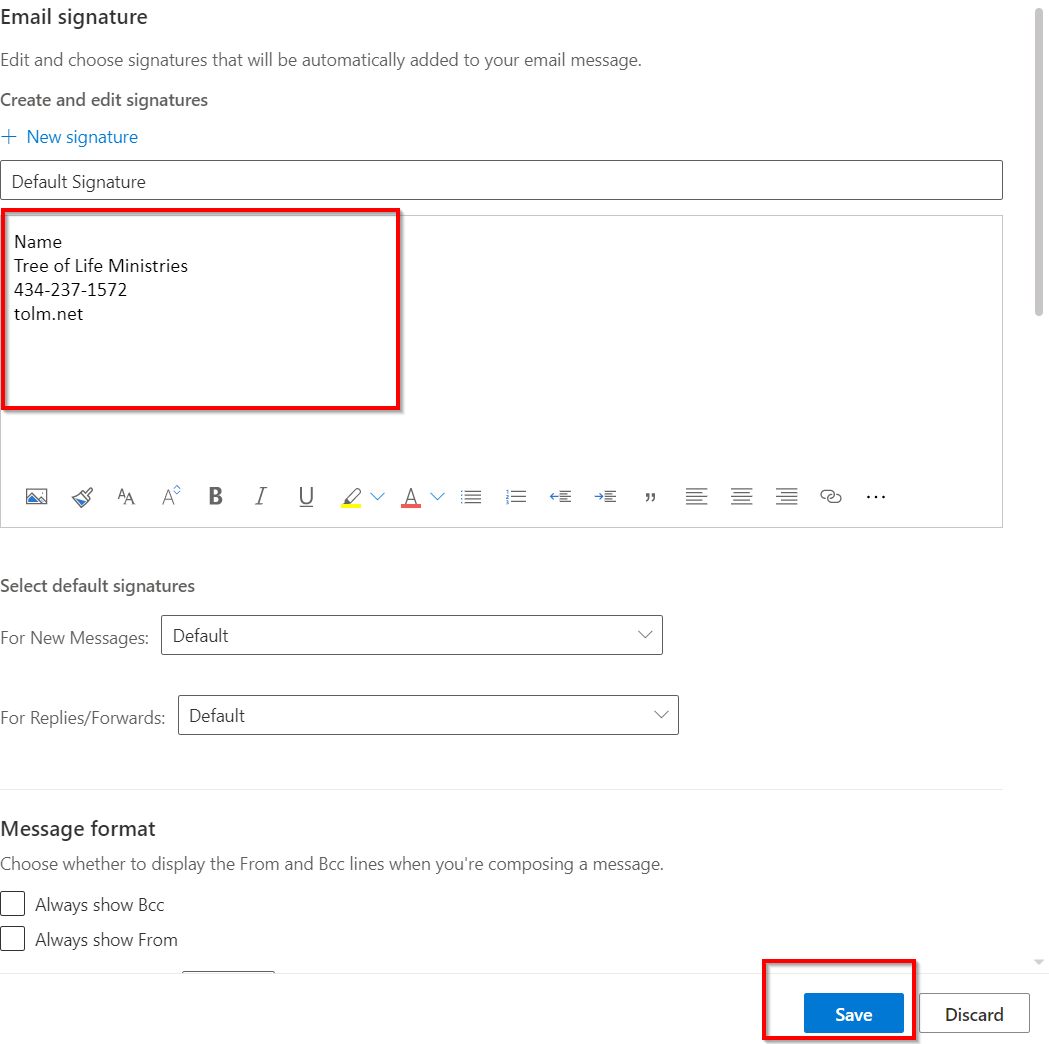
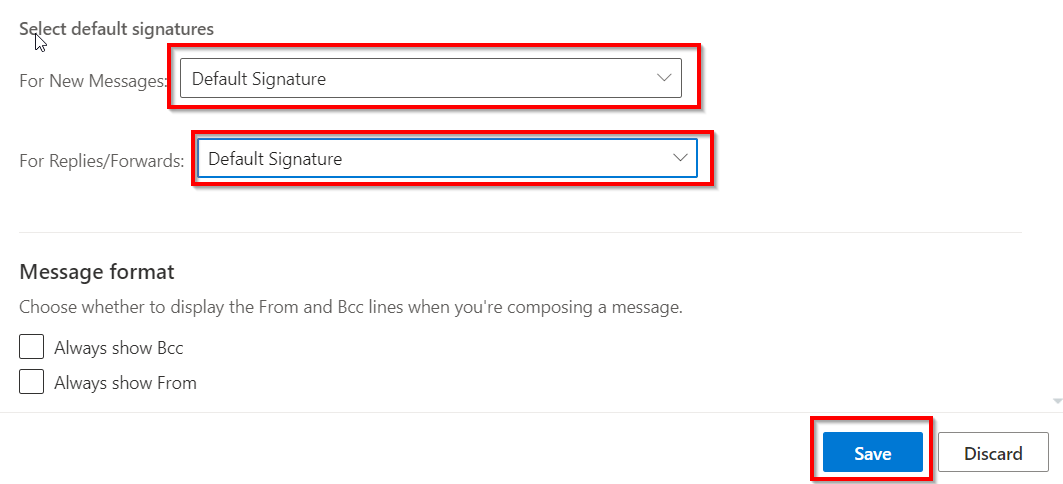
- Change the default signature for New Messages and Replies/Forwards to the signature you just created. Press Save
Was this article helpful?
That’s Great!
Thank you for your feedback
Sorry! We couldn't be helpful
Thank you for your feedback
Feedback sent
We appreciate your effort and will try to fix the article