You must have set up multiple Two Factor Authentication Steps to perform a self password reset
If you have not, email ashton@tolm.net and request a password change.
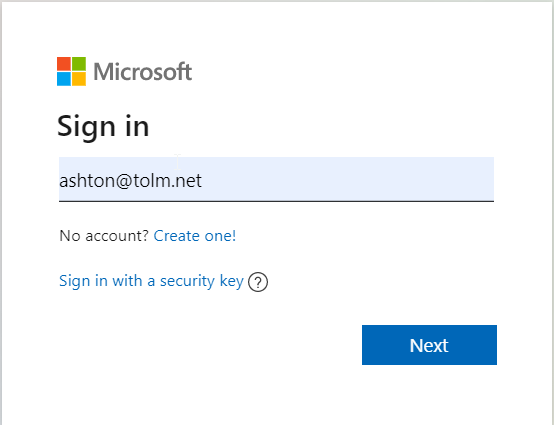
- Go to Outlook.com and click Sign in
- Enter your TOLM email address and press Next
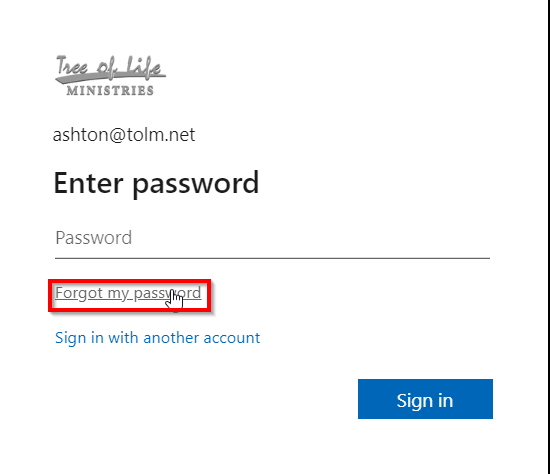
- Press Forgot my password
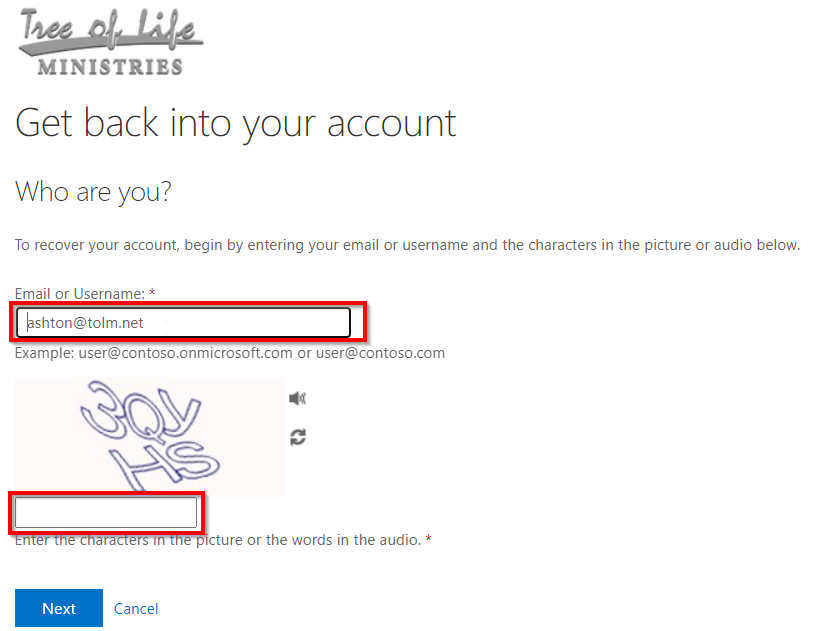
- Enter your email in the top field and enter the characters you see in the box in the bottom field. Press Next
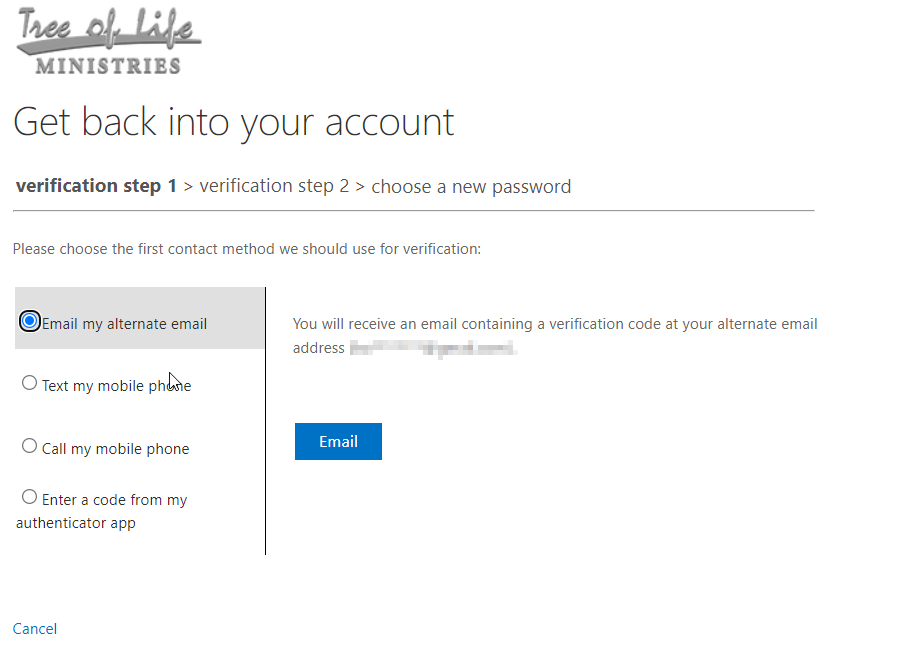
- Complete your verification methods
Was this article helpful?
That’s Great!
Thank you for your feedback
Sorry! We couldn't be helpful
Thank you for your feedback
Feedback sent
We appreciate your effort and will try to fix the article