When Cleaning, the stage lights will not be powered on. This is to prevent our more expensive lights from reaching the end of their lifespan so quickly, as they are not meant to be in continuous operation throughout the day
- Turn on The Lighting PC and turn on the Surge Protector in the center Rack
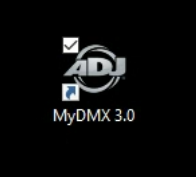
- Open MyDMX 3.0 from the Desktop
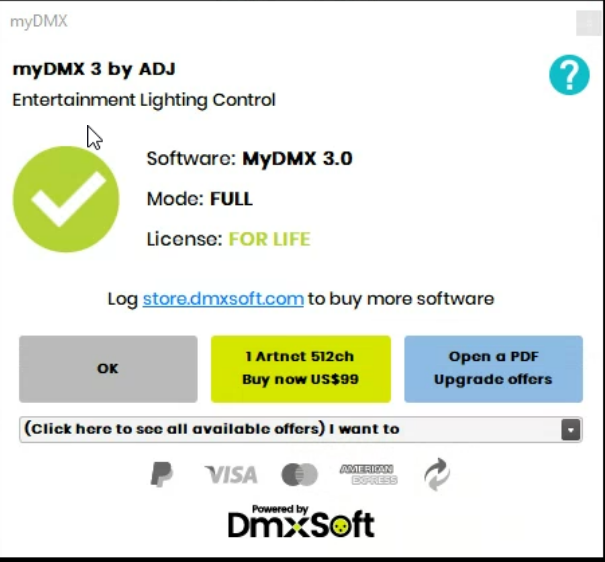
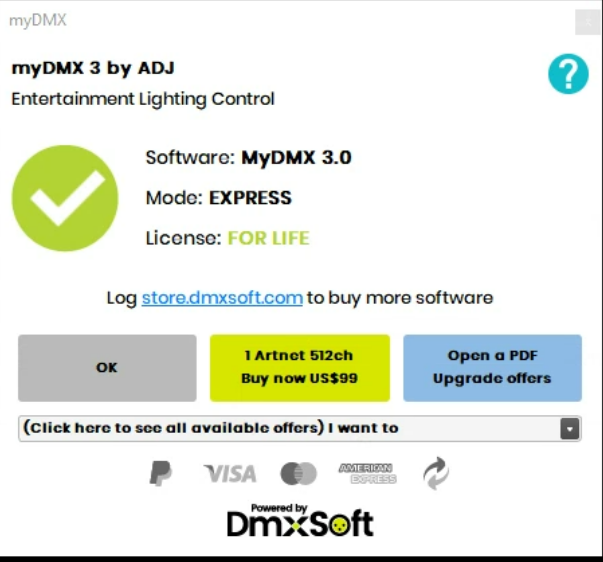
- Press Okay on the two dialogs that appear
- From the dashboard, select Cleaning

- Select from the following options:
- Back - Turns on just the back Audience Lights
- Full - Turns on all House lights to 100%
- All - Will temporarily turn on all lights in the sanctuary, including stage lights. This timed scene will power off the stage lights after 30 minutes to prevent being left on all day.
Was this article helpful?
That’s Great!
Thank you for your feedback
Sorry! We couldn't be helpful
Thank you for your feedback
Feedback sent
We appreciate your effort and will try to fix the article