- Turn on The Lighting PC and turn on the Surge Protector in the center Rack
- Open MyDMX 3.0 from the Desktop
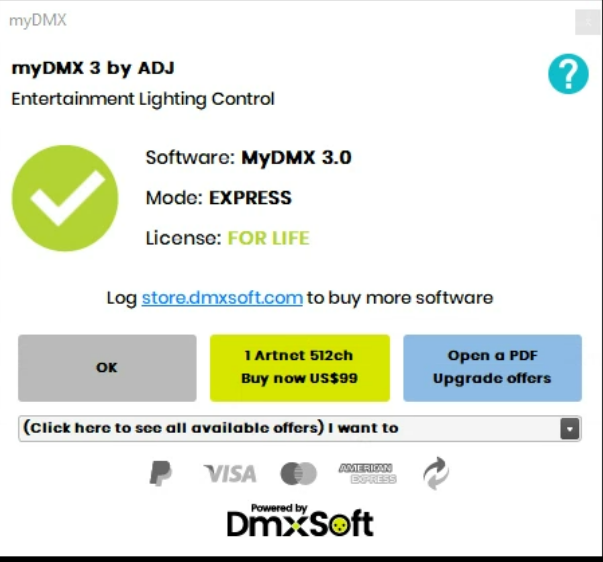
- Press Okay on the two dialogs that appear

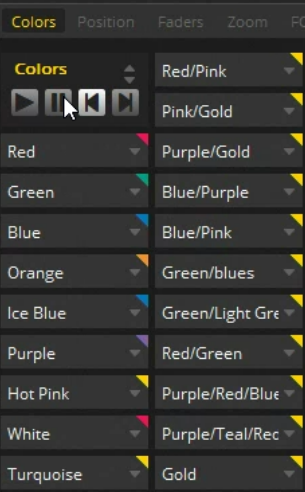
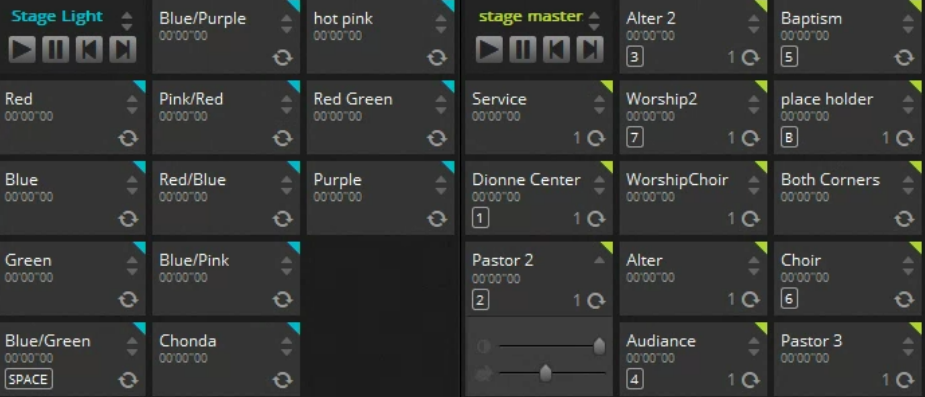
- Select a color from the color options.
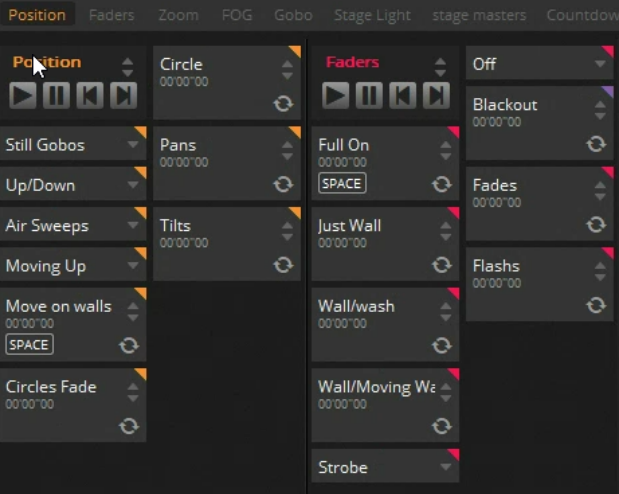
- Select Move On Walls and Full On from Position and Faders Category
- Select a color from Stage Masters and Pastor 2 from Position
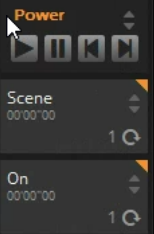
- Turn on Power to the ceiling line by selecting On from Power
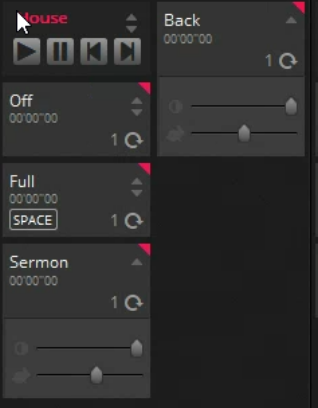
- Turn on the Audience Lights be selecting Sermon under House
Was this article helpful?
That’s Great!
Thank you for your feedback
Sorry! We couldn't be helpful
Thank you for your feedback
Feedback sent
We appreciate your effort and will try to fix the article