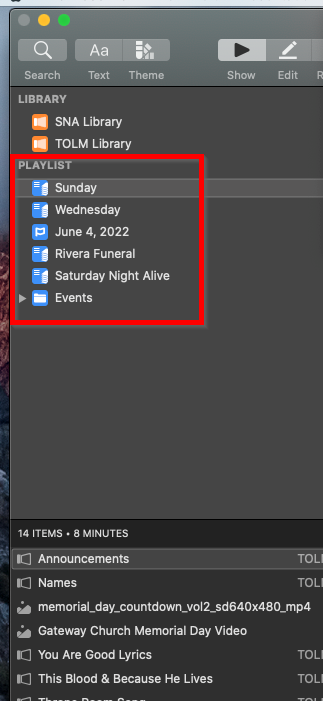
- Select the Playlist you want to add music to
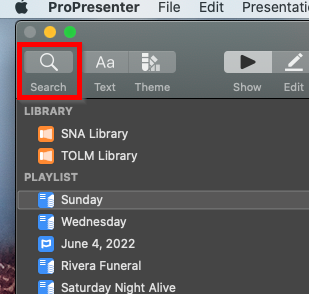
- Click the Search Icon, in the top left corner
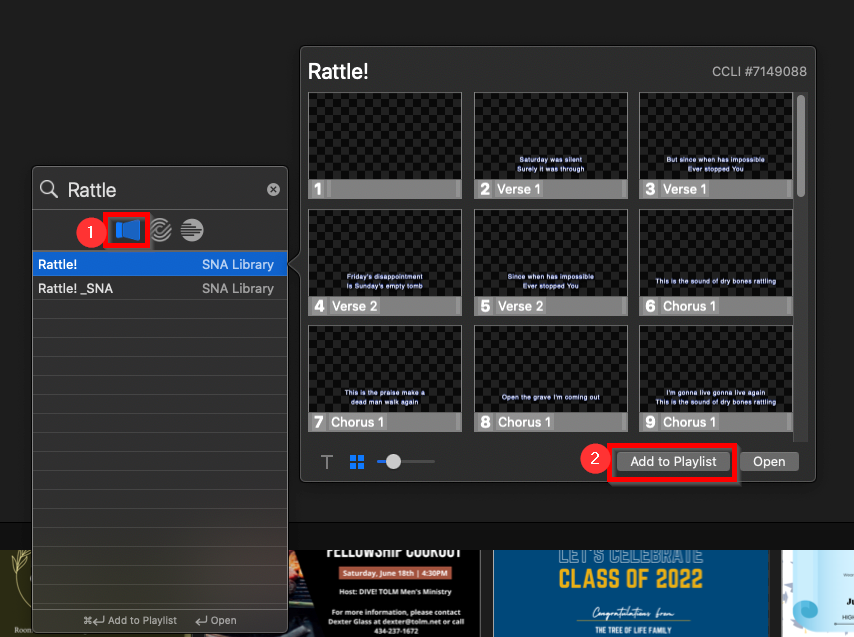
- Enter the name of the song. Click the ProPresenter logo so that it appears Blue. Click Add to Playlist
Was this article helpful?
That’s Great!
Thank you for your feedback
Sorry! We couldn't be helpful
Thank you for your feedback
Feedback sent
We appreciate your effort and will try to fix the article