- On the sound board, press the assign board to the left of the left touchscreen
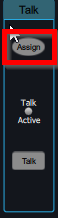
- Press Assign on the touchscreen
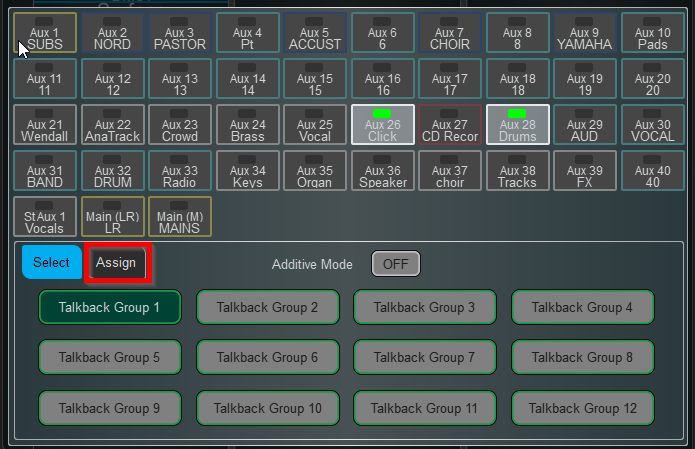
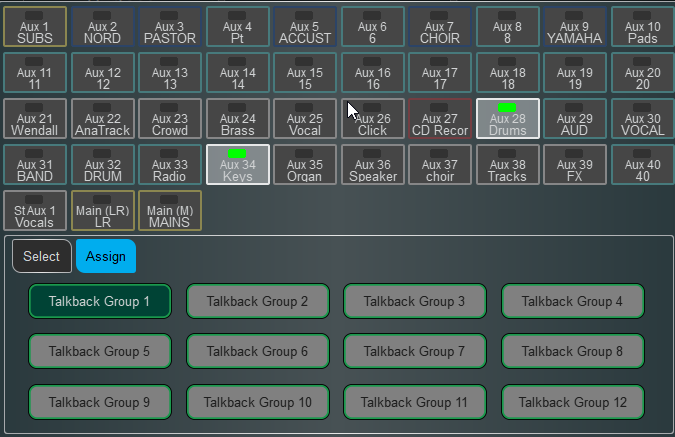
- Select the monitor mixes where you want the TB mic to go
- Press Talk on the board to allow the mic to come through the selected monitors
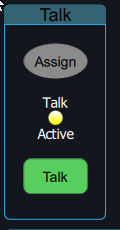
- Press Talk again to turn the mic off
Was this article helpful?
That’s Great!
Thank you for your feedback
Sorry! We couldn't be helpful
Thank you for your feedback
Feedback sent
We appreciate your effort and will try to fix the article