- Download the PC app for the NVR
- Log into the NVR
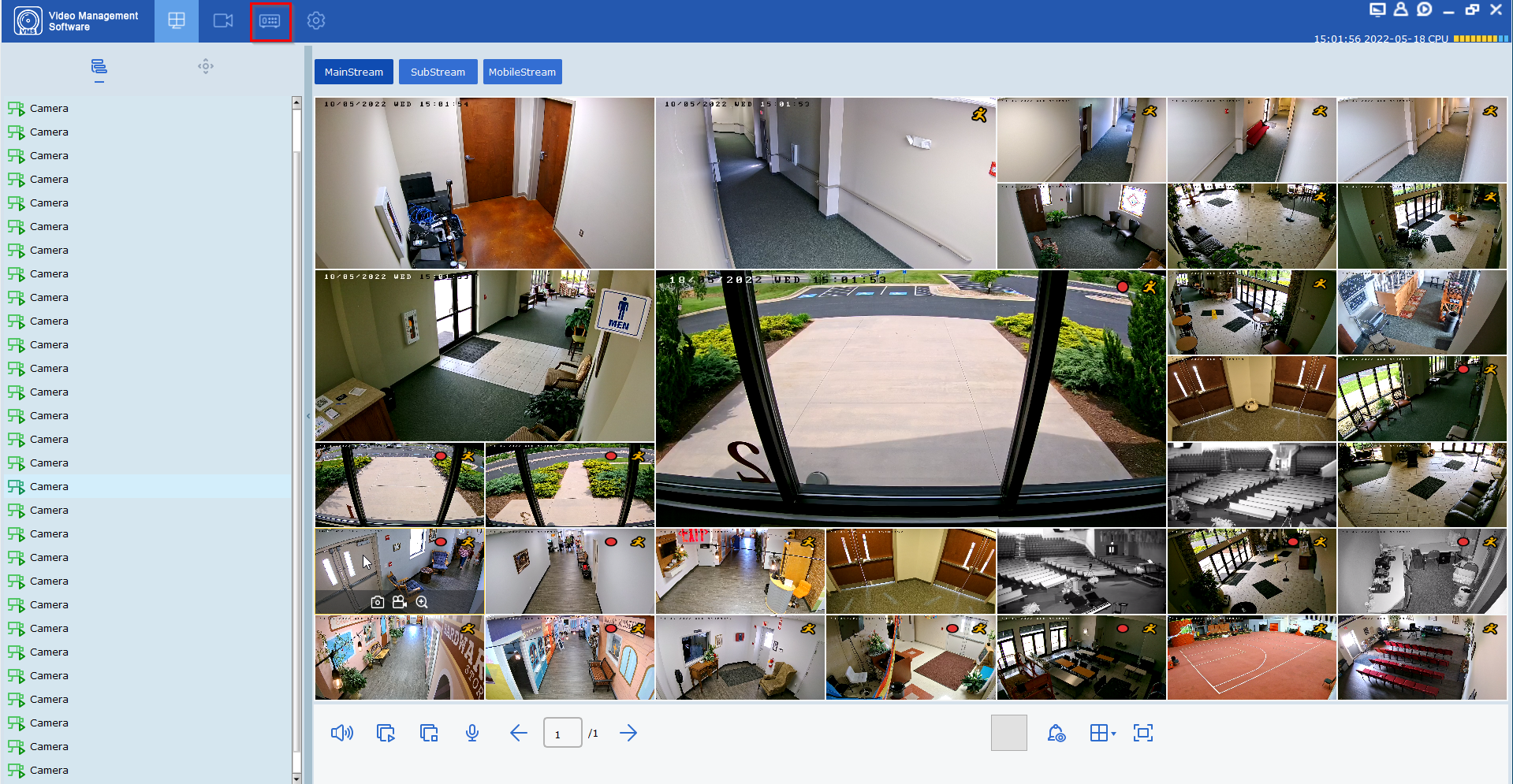
- Go to Remote Settings
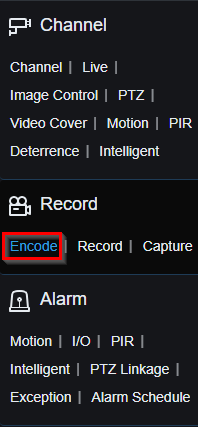
- In the menu, go to Record > Encode
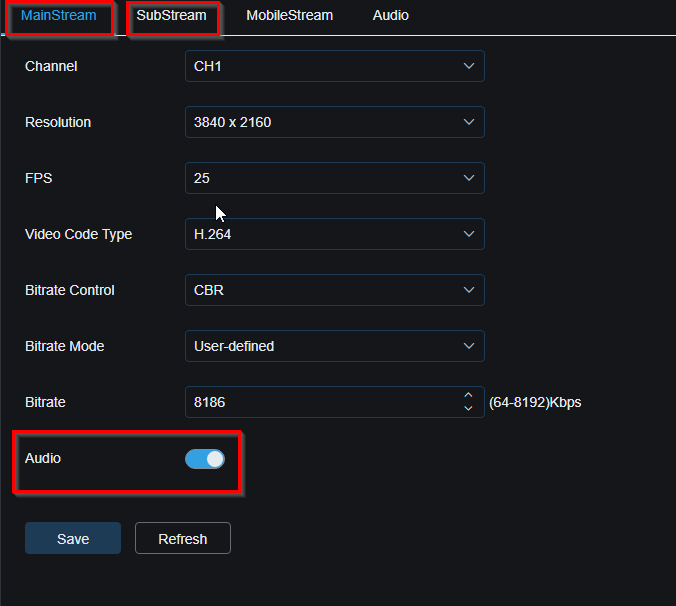
- Make sure the Audio slider is blue. Click Save. Go to SubStream and repeat.
Was this article helpful?
That’s Great!
Thank you for your feedback
Sorry! We couldn't be helpful
Thank you for your feedback
Feedback sent
We appreciate your effort and will try to fix the article